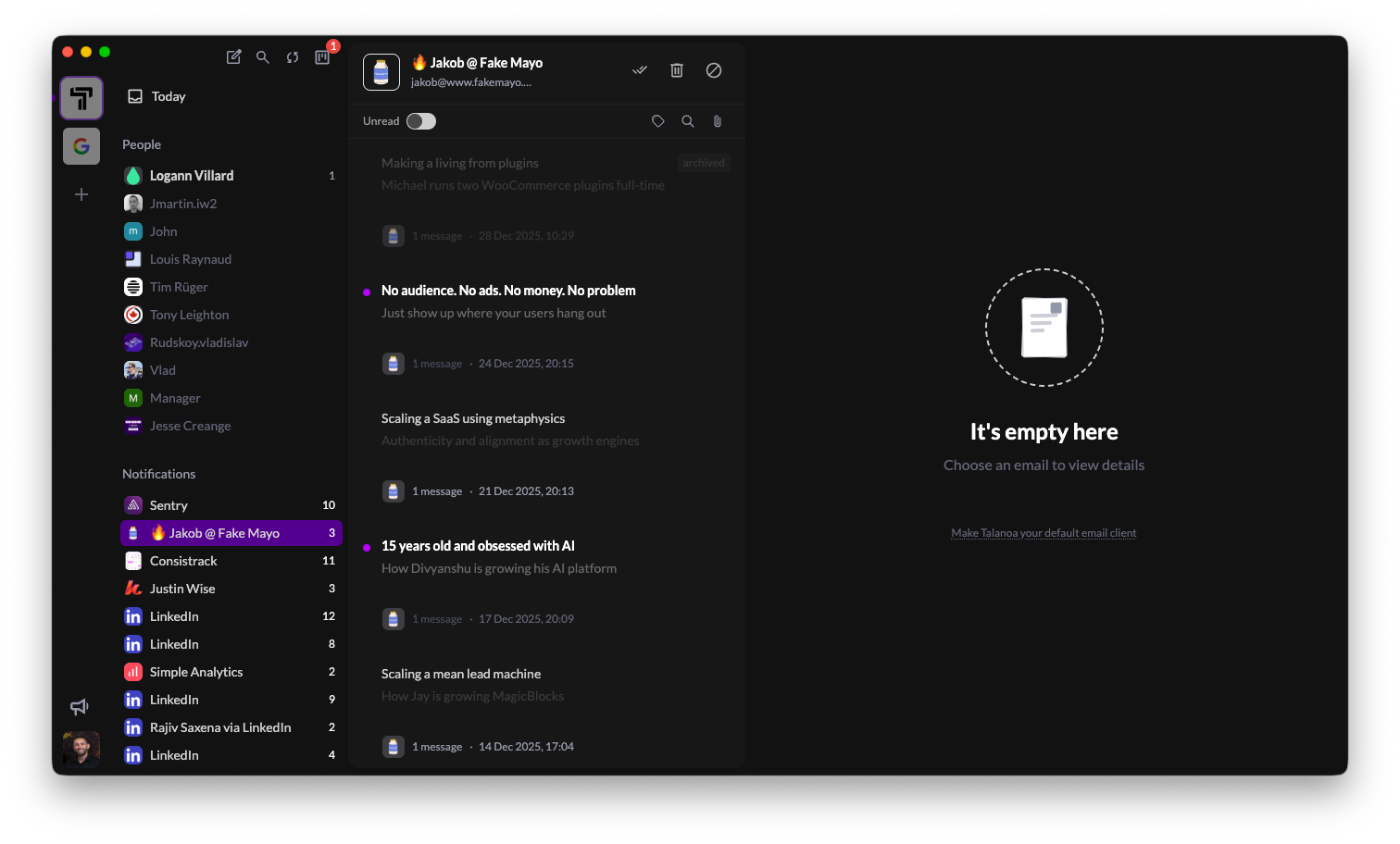
After countless requests, dark mode has finally arrived! Switch between light and dark themes with a single click.
Whether you’re burning the midnight oil or just prefer a darker interface, your inbox now adapts to your style. The dark theme has been carefully crafted to reduce eye strain while maintaining perfect readability and contrast.
Important note: Dark mode is currently in beta. The interface itself fully supports dark mode, but we’re still working on converting email content to dark mode - and it’s proven to be much harder than we initially thought! Email HTML is notoriously complex, with inline styles, embedded images, and various formatting that makes automatic dark mode conversion tricky. We’re actively working on this, and you’ll see email content properly converted in a future update.
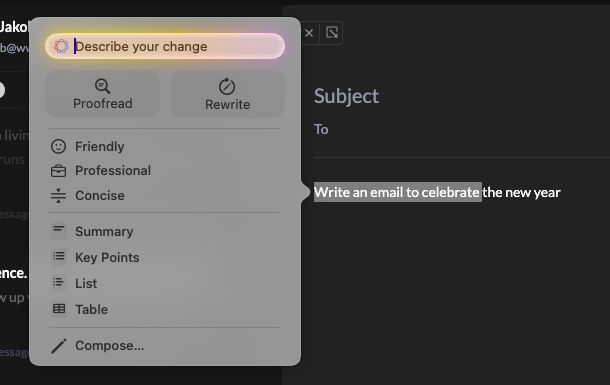
Talanoa now fully supports Apple’s Writing Tools on macOS! When you’re composing or replying to emails, you can use macOS’s built-in AI writing features directly in Talanoa.
What this means for you:
All of Apple’s Writing Tools work seamlessly within Talanoa’s composer. Just right-click in any text field and select from the Writing Tools menu. It’s like having a writing assistant built right into your email workflow.
This is especially powerful when you’re crafting important emails or need to communicate clearly across different contexts. Your words, enhanced by AI - all without leaving Talanoa.
Thanks to everyone who requested dark mode - this one’s for you! 🎁