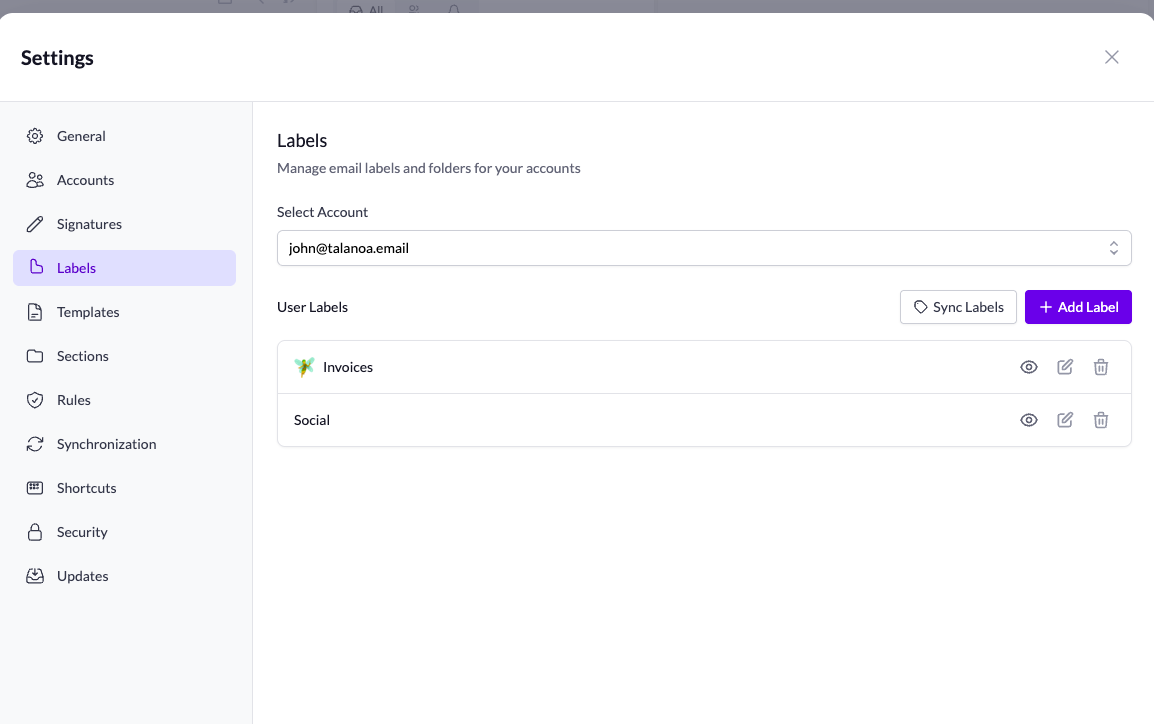
This one’s been highly requested, and we’re SO excited to ship it! You can now fully manage your labels in Talanoa.
What you can do:
No more clutter. No more scrolling through dozens of labels you never use. Just the ones that matter, right where you need them.
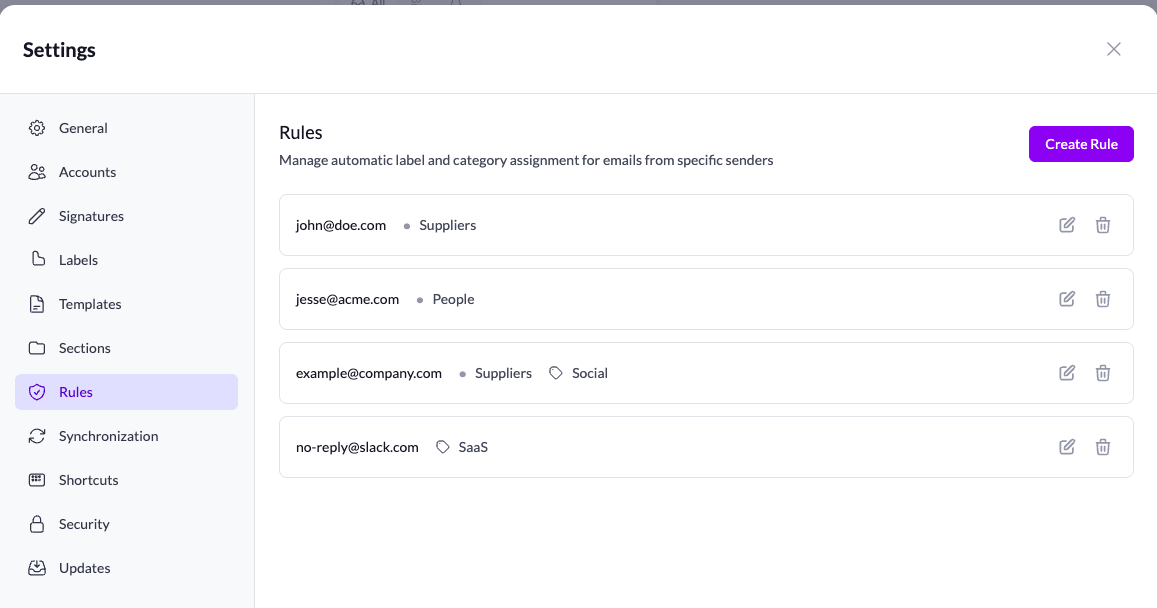
Set it and forget it! Create rules to automatically apply labels based on the sender.
Got a newsletter you want to auto-label? Done. Important client emails that need special tagging? Easy. Your inbox organizes itself while you focus on what matters.
This is the kind of feature that saves you hours every week. We’re genuinely excited about how much time this will give back to you.
We’ve updated the sidebar UI! You can now switch between Inbox, Todo, and Calendar (coming soon - we’re working on it! 🔜).
The new design is cleaner and makes it easier to navigate between different views.
We’ve been listening to your feedback, and here are some small but mighty improvements:
Building in public, shipping fast, listening to you. This is what indie hacking is all about! 🚀