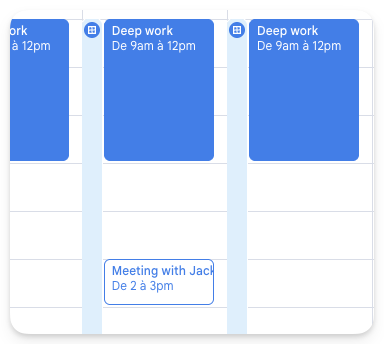
🚀 Big update: Calendar while you compose
Calendar integration is built into compose. Send a calendar booking link or pick free time slots from your calendar and share them with your recipient — all without leaving the draft. It’s a smooth flow from offer to booked meeting.
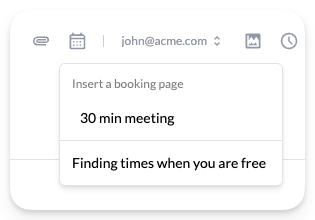
1. Pick a booking link or time slots
Insert your existing calendar booking link, or choose “finding times” to pick slots from your calendar instead.
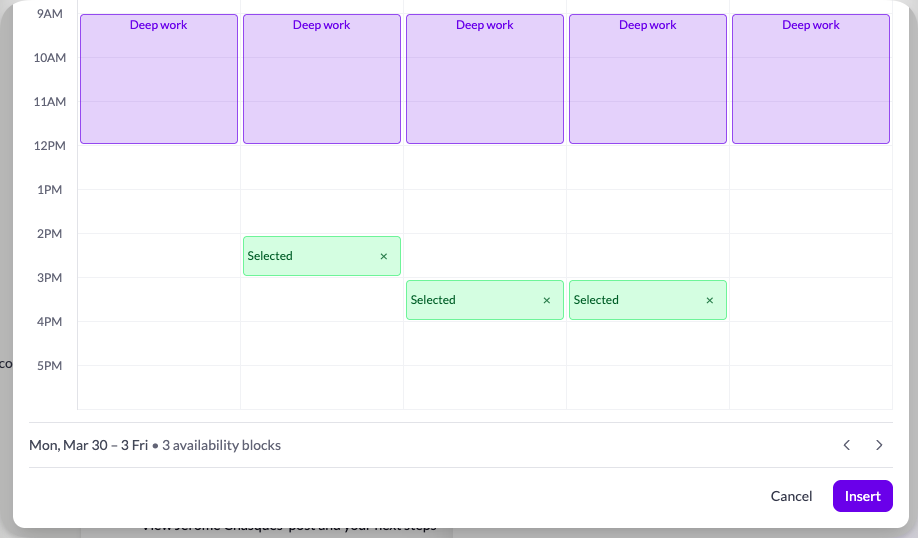
2. Choose the slots you want to share
If you picked slots, select only the times you want to offer — recipients will not see the rest of your calendar.
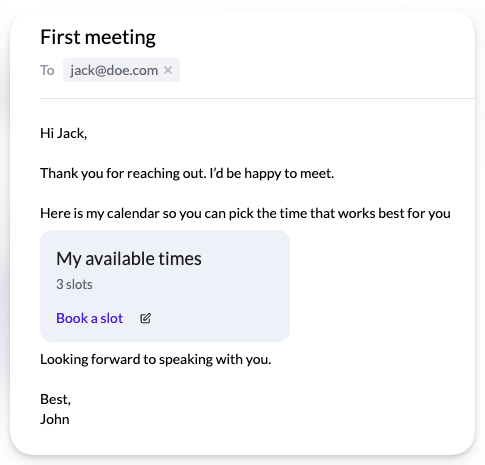
3. Send the booking link to your recipient
Paste the link into your email and send it. They open it in the browser to view your availability.
4. They choose the perfect time
Your recipient picks the slot that works best for them, without endless email threads.
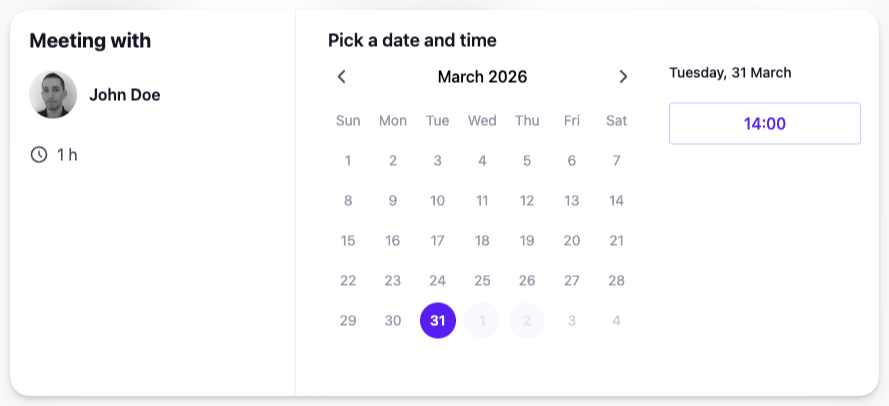
5. Event created and booked automatically
When they confirm, the meeting is added to your calendar and the time is reserved for both of you.