Since August, getting Talanoa on an Android phone went like this: find your Google Play email, send it to me, wait for me to add you to a list, then wait for Google to notice you were on the list.
It worked. It was also a terrible first impression for an app whose whole point is to make email feel calmer.
That’s over. Talanoa for Android is on Google Play, for everyone.
Search “Talanoa” in the Play Store, tap Install, done. Like any other app, because now it is one.
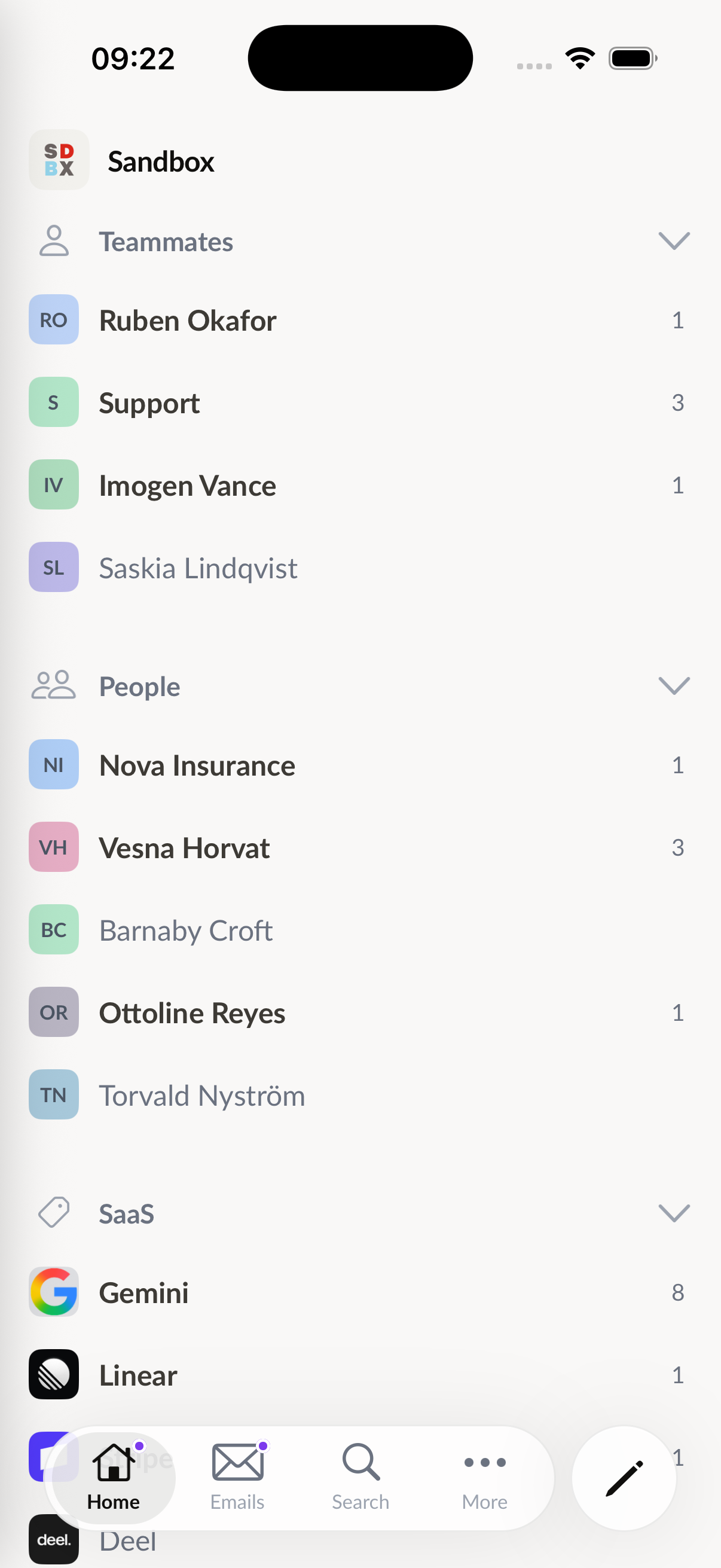
The same inbox you know from your computer, sized for your hand:
The beta that testers used in the summer ran its own mobile code. Since Talanoa 1.1, it doesn’t: your phone runs the very same core as the desktop app, the part that syncs your mail, applies your actions and keeps everything on the device.
That’s most of what changed between the first beta and this release. An improvement to how Gmail syncs on the Mac reaches your phone the same day. A bug fixed for IMAP on Windows is fixed on Android too. One engine, tested twice as hard.
This part didn’t move, and it won’t.
Your phone talks to Gmail, Outlook or your IMAP server directly. Your emails are stored in a database on the phone, and your sign-ins are kept in Android’s secure storage. Talanoa doesn’t keep a copy of your mailbox on a server somewhere.
If you turn on instant notifications for an account, Talanoa watches that account for new mail so it can ring right away. Only what a notification needs (who wrote, and the subject) is used to build it. The email itself stays on your phone.
Then setup takes about ten seconds:
Your accounts, sections, rules, labels, signatures and calendars come over. Your emails don’t travel between your devices: the phone fetches them straight from your provider. The step-by-step guide is in Get the mobile app.
Thank you. Truly. Every bug you sent me from a phone I’d never heard of made this release better.
You don’t have to do anything: you already have the app, and it keeps updating through Google Play like before.
Talanoa for iPhone is still in beta on TestFlight, while Apple reviews it for the App Store. You can join it today in two taps from talanoa.email/mobile. I’ll write here the day it lands.
No separate app to buy, no separate subscription: your Talanoa plan covers your phone too.
Install it, put it next to your other apps, and tell me what you think. As always, I read every message.
Try Talanoa
Why spend hours managing your inbox when you can focus on what matters?
Get started free