v0.11.4
One-time codes, and actions that stick
✨ New & improved
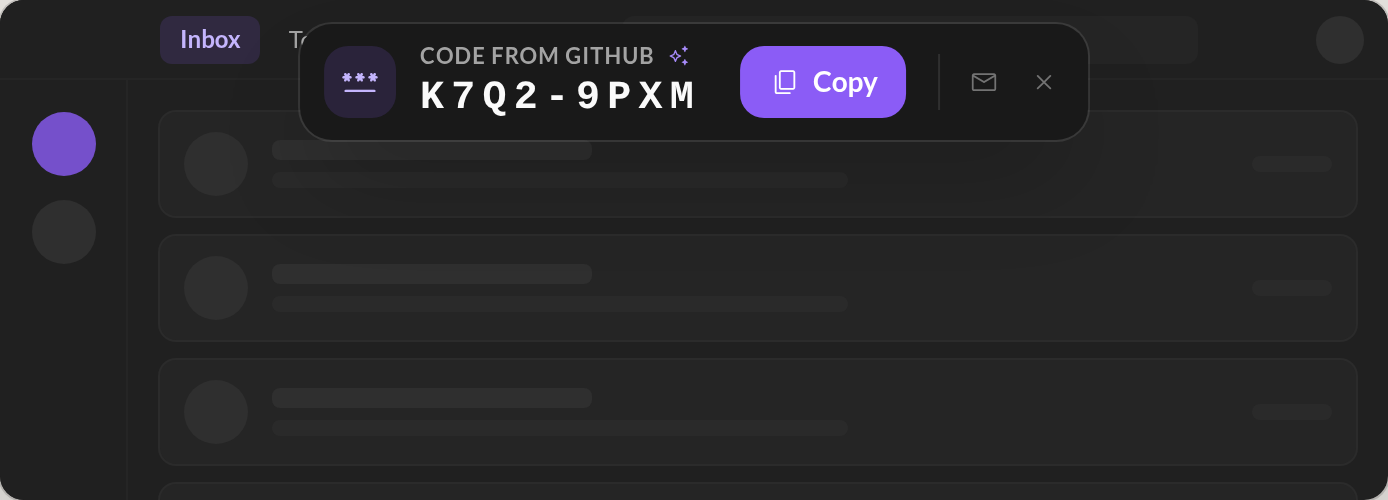
- Verification codes (OTP) come to you. When an email with a one-time code or a sign-in link arrives, a banner at the top of the window shows it. Click the code to copy it, or Open link to finish signing in, without hunting for the email. Two small buttons open the email or dismiss the banner.
- What you do in your mailbox sticks. Mark as read, Done, trash, a label: when your mail server could not be reached at that moment (no network, a busy server, the lid closing), the change was lost, and the next sync put the email back the way it was. Every action is now saved on your computer first and sent again until the server has it, and a sync no longer undoes a change that is still on its way.
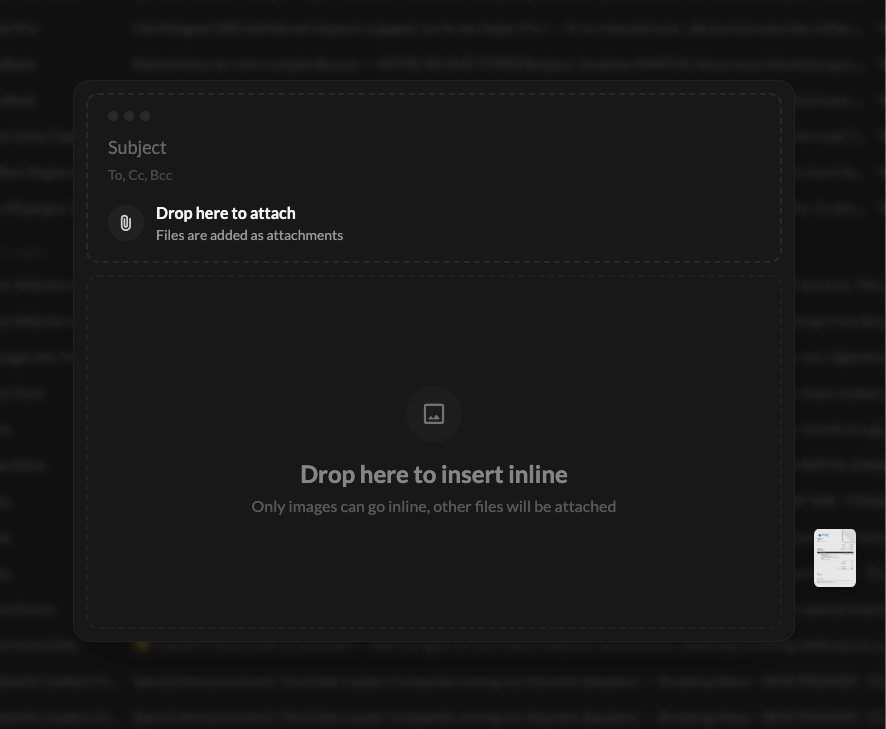
- Drop a file where you want it. Dragging files onto Talanoa now shows a compose window with two zones: the top attaches them, the body puts images right in the text. An image too large to go inline (5 MB) is attached instead.
- Filter the Tasks widget. By priority, label or due date (Late, This week, This month). Your filter is remembered.
🐛 Fixes & polish
- Several images at once. Dropping or pasting several images into an email kept only the last one, each replacing the one before. They all land, one under the other.
