🔔 Desktop Notifications & Badge
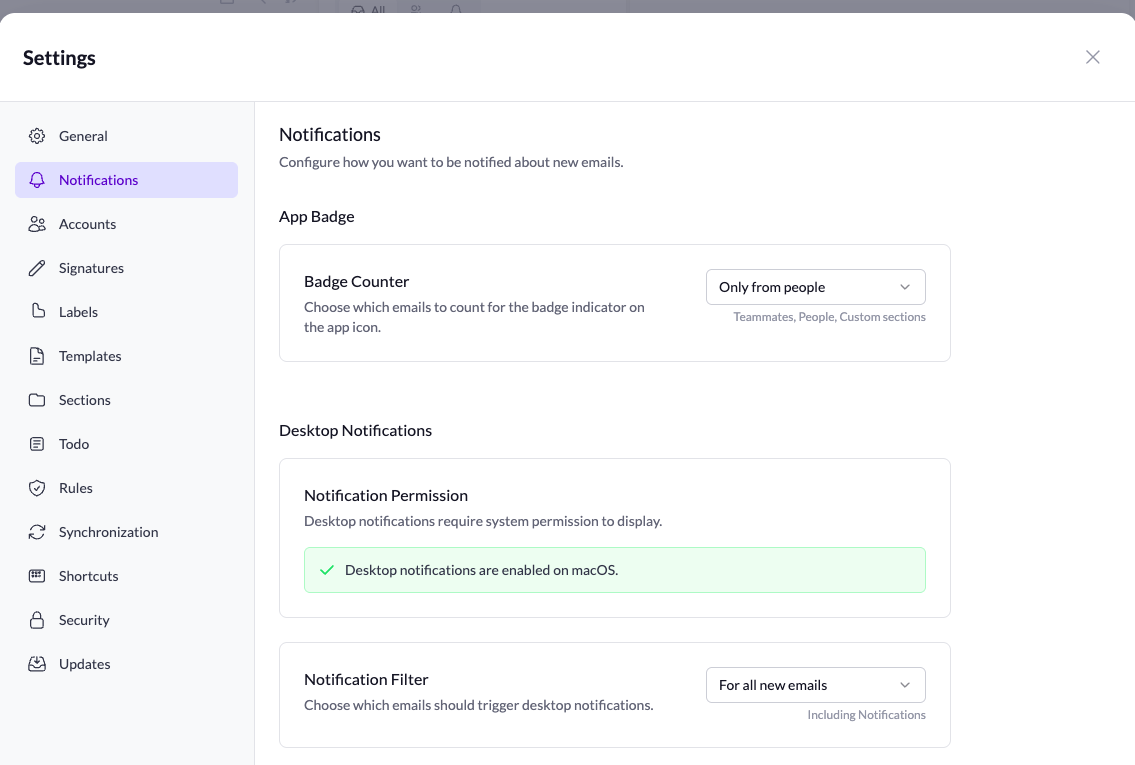
You now have full control over how Talanoa notifies you about new emails:
- Desktop notifications - Get notified when new emails arrive
- App icon badge - See unread count at a glance
Configure it your way:
- No notifications - Stay focused, check emails on your own terms
- Only from people - Get notified for real contacts, ignore automated emails
- All new emails - Never miss a thing
Your inbox, your rules. Find these settings in Preferences.
🖼️ Trust Images from Contact
Tired of clicking “Load images” for contacts you trust? Now you can mark a sender as trusted and their images will load automatically in future emails.
One click, and you’re done. No more repetitive approvals for people you know.

