✨ A redesigned inbox
- Cleaner, sharper, faster — Talanoa gets a full UI overhaul: tighter message rows, unified headers, a calmer dark mode, and a layout that feels lighter from the first click. Everything you do — archive, read, reply — takes fewer steps and less visual noise.
- Built to stay fast — The new interface isn’t just prettier; it’s wired for speed. Less clutter on screen means less work for your eyes and your machine.
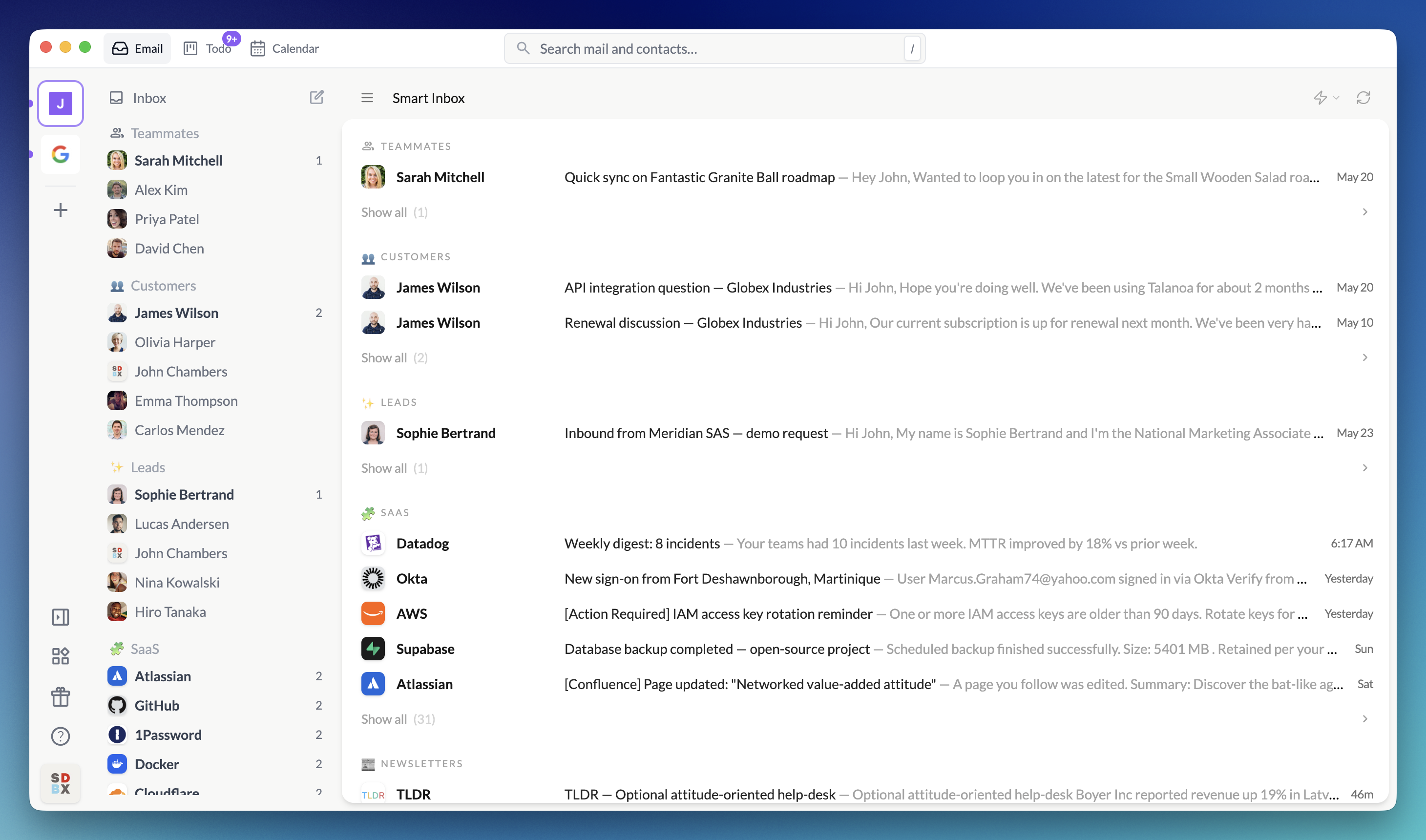
⚡ Classic Inbox or Smart Inbox
- Your inbox, your way — Switch Today between Classic Inbox (chronological) and Smart Inbox (grouped by Teammates, People, Notifications, and your Sections). Talanoa remembers your choice per account.
- A focused morning, not a scroll marathon — Smart Inbox surfaces only recent unread mail. Preview each category at a glance; open Show all only when you want the full picture.
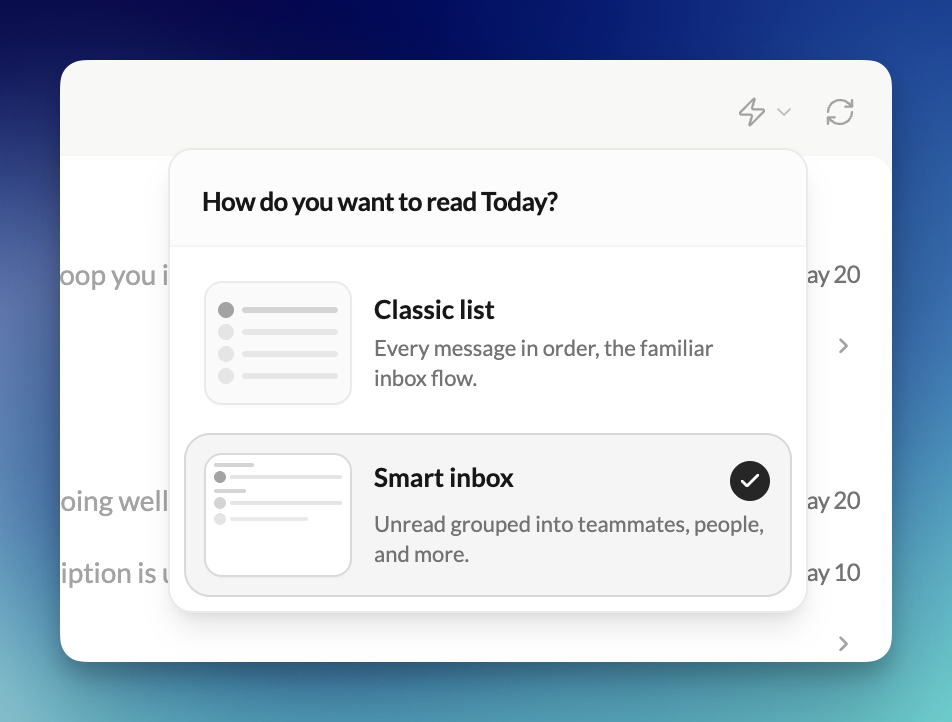
👤 Sender panel
- Know who you’re talking to — A new side panel gives you a richer view of any sender: avatar, contact info, linked todos and notes, custom sections, and quick actions — all without leaving your thread list.
- Act on a sender in one place — Archive, trash, block, or compose from the panel. Handle a whole relationship from a single spot instead of jumping through menus.
🔍 Search on /
- Find mail the way you expect — Press
/from anywhere to search emails and contacts instantly. No more hunting for the right shortcut — just type and go.
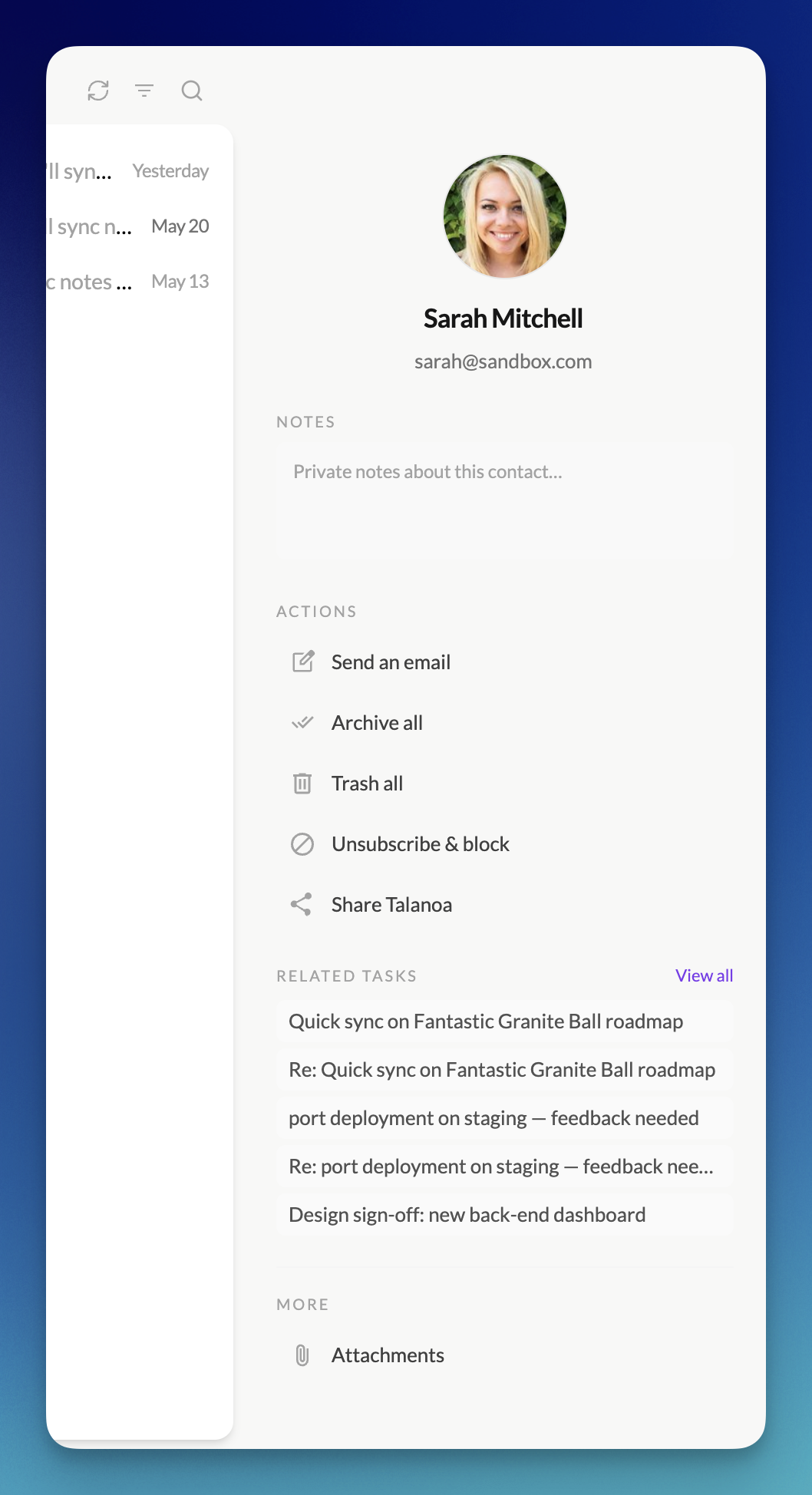
⌘ Command palette on Cmd+K / Ctrl+K
- Jump anywhere in one keystroke —
Cmd+K(Mac) orCtrl+K(Windows/Linux) opens the command palette: Sent, Drafts, Snoozed, labels, sections, and more. Switch views without touching the sidebar.
😴 Snooze
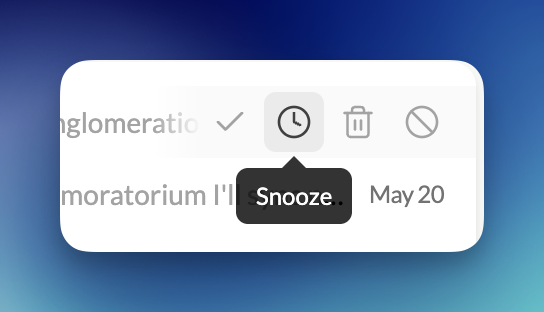
- Park it until you’re ready — Snooze a single message until tomorrow, next week, or a time you pick. It leaves your inbox and comes back on its own — no mental load, no manual follow-up.
- Changed your mind? Undo. — Hit Undo right from the toast if you snoozed too fast.
- Everything you parked, in one place — A Snoozed folder shows what’s waiting and when it returns. Unsnooze anytime.
⚡ Performance & reliability
- Opens faster, stays smooth when mail pours in — Startup freezes and stutters during sync are gone. Draft autosave no longer gets in your way while you write.
- Fixes you’ll notice — Duplicate attachments after re-sync, missing calendar invites in People, and other rough edges cleaned up.
