v1.1.3
A calendar you can fully edit
📅 Calendar
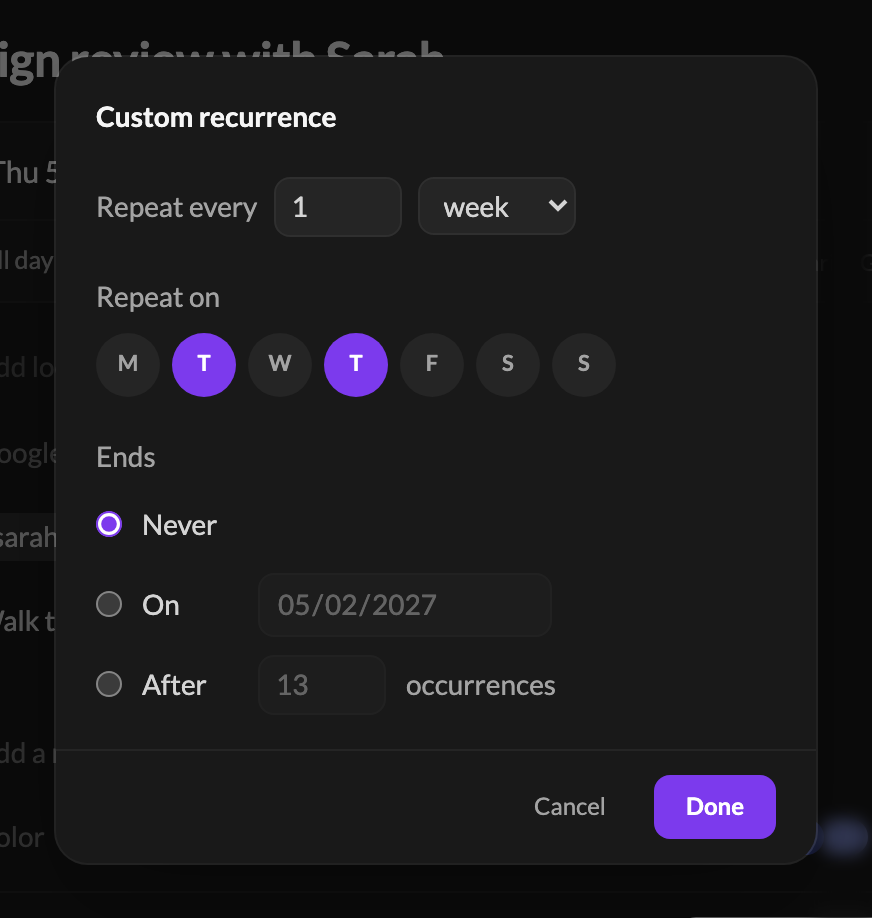
- Recurring events, edited properly. Edit the whole series, or delete from one occurrence onward with This and following events. Custom… covers the rest: every few weeks, the second Tuesday of the month, until a date.
- A calmer event form. The day and times sit on one line, each with its own picker. Type a time (
9h30,2pm) and save withCmd+Enter.
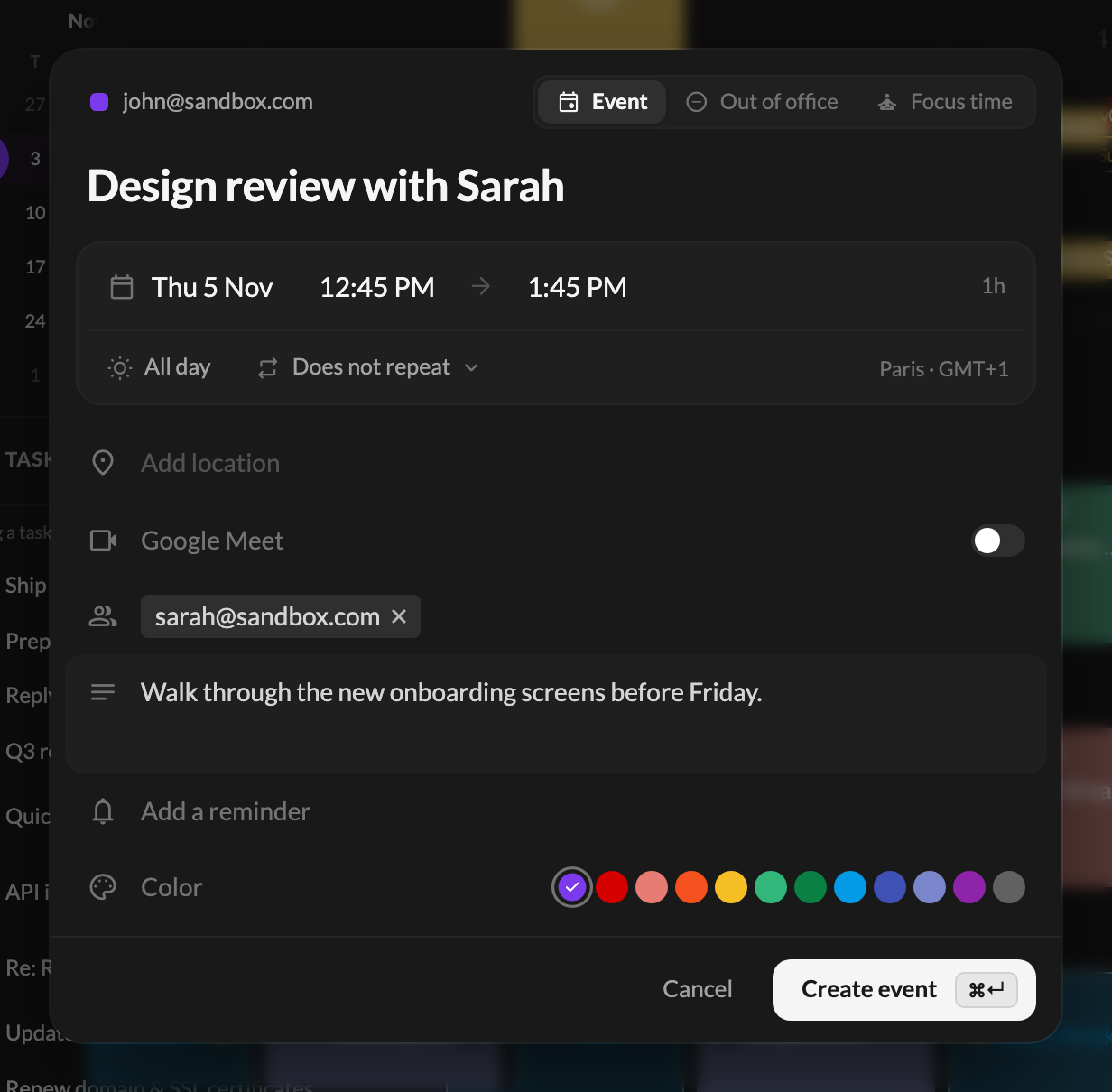
- Several days, or all day. Pick a start and an end day, or tick All day.
- Places, guests and a description. The location suggests places as you type, with their hours and a map. Guests are suggested from your contacts.
- More on existing events. Edit the guests, add a Meet or Teams call, change the color.
- [Google] Focus time and out of office can now be created from Talanoa.
- Tasks and the calendar, connected. Finish a task and its event is ticked ”✓”. An eye button opens the task’s email, and the day widget lists the tasks due today.
- The calendar loads faster. Your calendars load together, and the next and previous weeks are ready before you click.
✨ New & improved
- Choose the task column. Add to tasks has a Column field, and the Tasks widget can be filtered by column. Thanks to the user who suggested it.
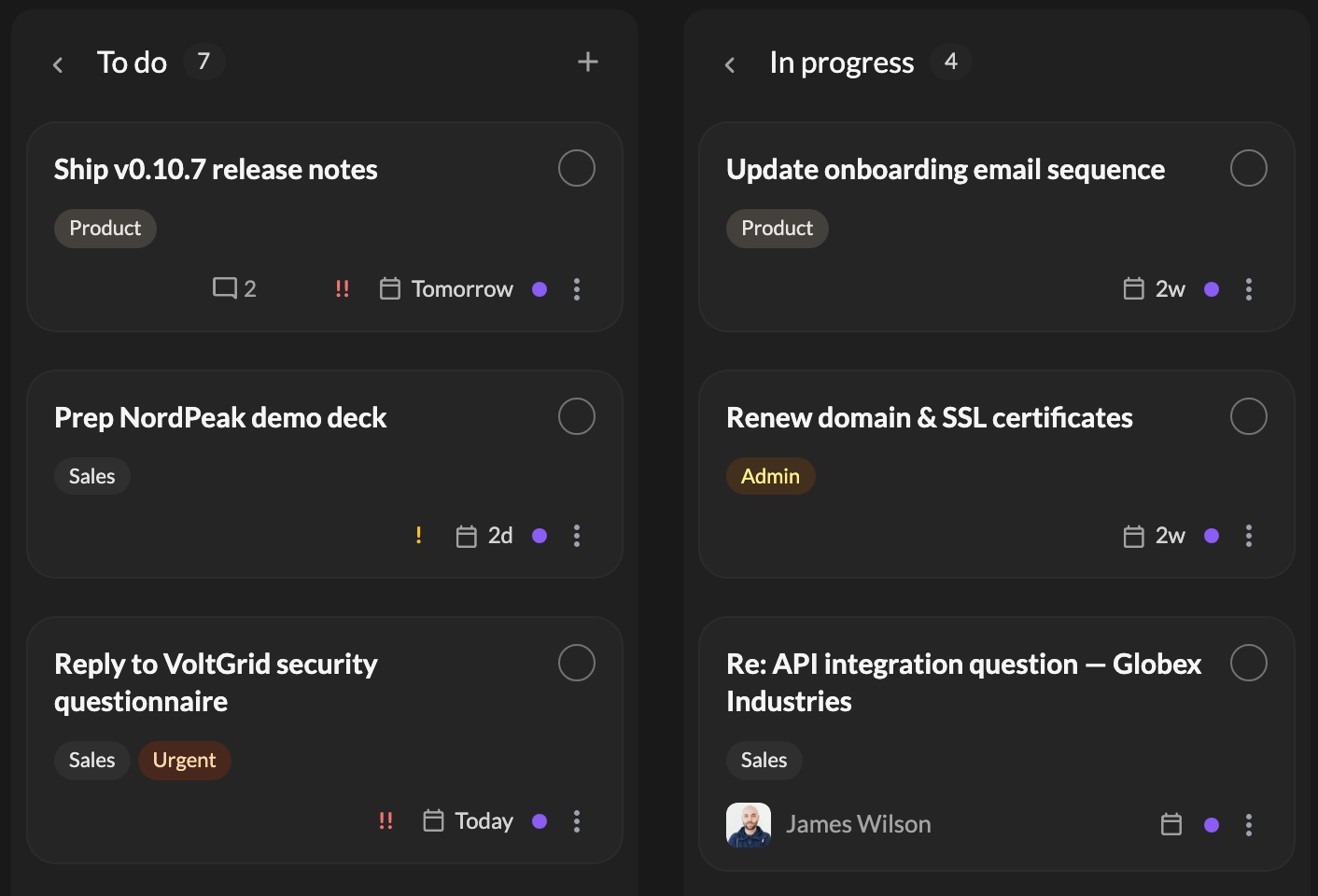
- Task cards, redesigned. A round checkbox to finish a task, one priority mark everywhere, and a due date you can click to change.
- Select a whole day of emails from its day header.
- Arrow keys in every list.
↑and↓now work in Archive, Sent, Spam, Trash, Promotions and Pins. - Images per account. Settings → General → Images in emails can be set for each account.
🐛 Fixes & polish
- [IMAP] Sending works with shared hosts. A host whose certificate names its own domain made every send fail. Thanks to the user who sent their logs.
- Search finds your recent emails. Searching for a person could return only old conversations.
- All-day events show in the day widget, so a day with only those no longer looks free.
- Moving a sender moves all its mail, whatever the capital letters in the address.
- Your own Teammates row is no longer empty with Bcc copies to yourself.
- [Gmail] New labels apply right away, without an “Invalid label” error.
- Times follow your format. No more AM/PM with a 24-hour setting.
- [Google] The right event colors. A Sage event no longer shows as Flamingo.
- Dark mode: menus no longer turn violet after opening the calendar, and links in emails keep a link color.
