Black Friday30% off with codeuntil November 30.

All releases
v1.3.2

Dictate your emails, and subscribe to any calendar

🎙️ Dictate your emails

Talk, and Talanoa writes. Click the mic in the corner of the composer, or hold left Option (Alt on Windows) in any field, and speak. Your words show up greyed at the cursor and land in the email when you stop.
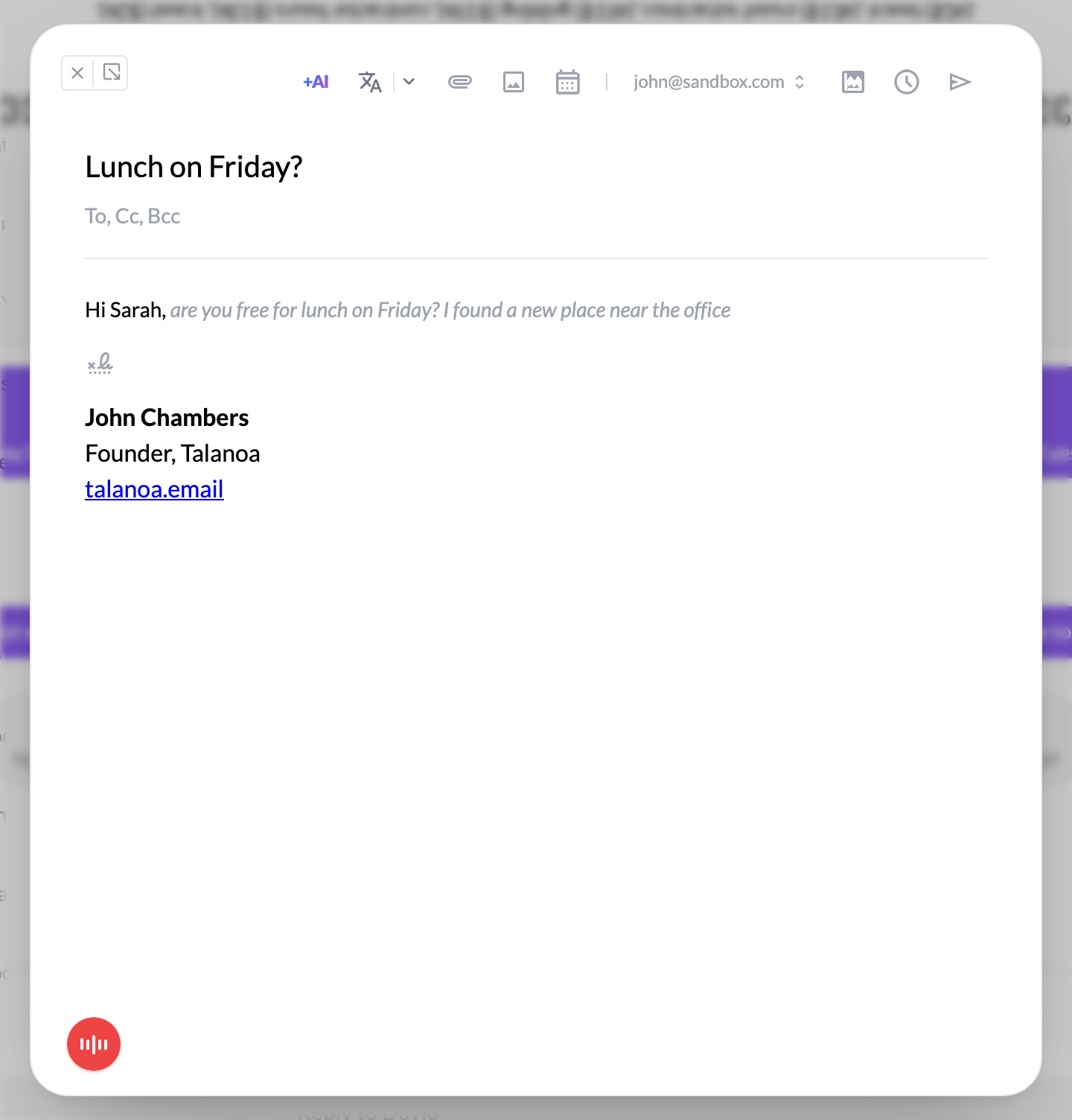
A new email with the dictated words greyed at the cursor and the red mic button recording

It runs on your computer’s own speech recognition, so there is nothing to download. Works on macOS and Windows, not on Linux yet.

📅 Subscribe to any calendar

Your TickTick tasks, public holidays or a team’s schedule, right next to your events. In Add calendar, pick Subscription (.ics) and paste the link. Talanoa keeps it up to date every few minutes.
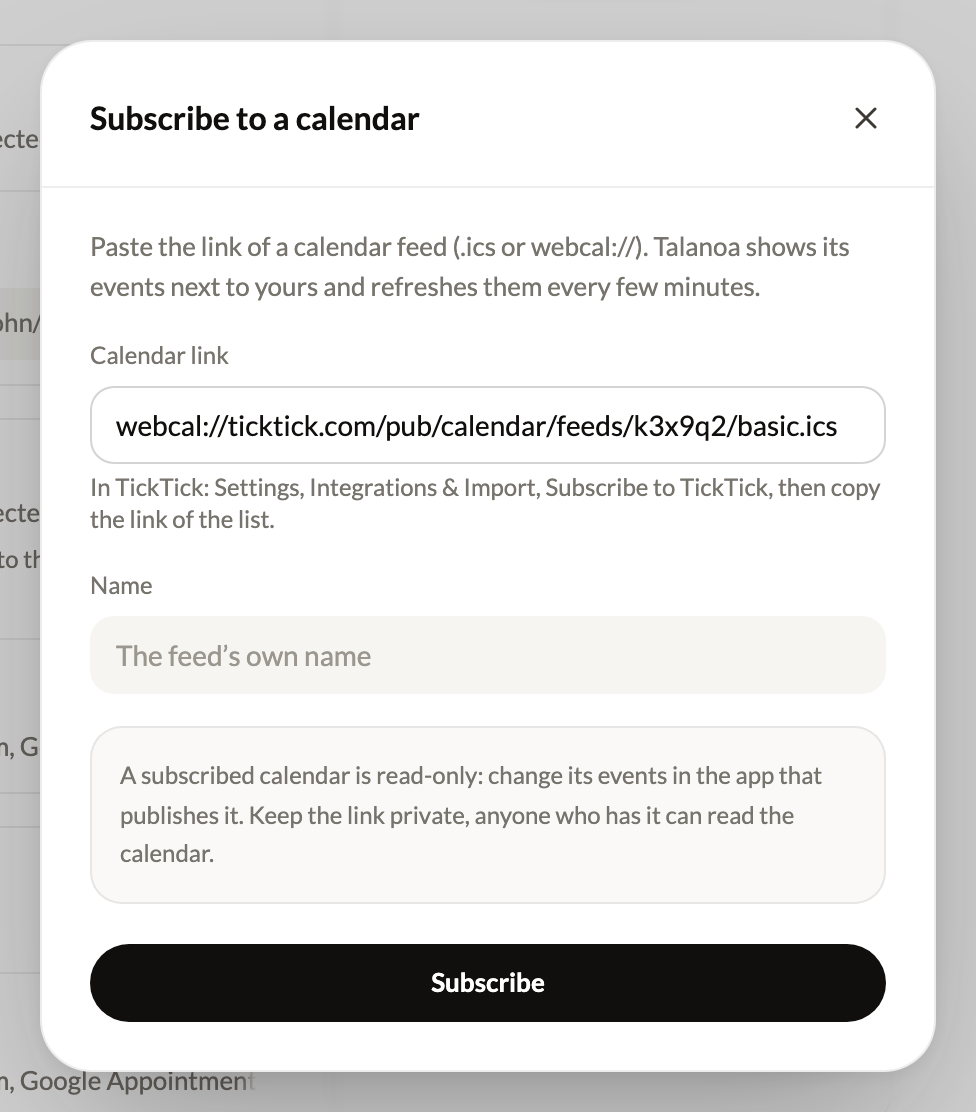
The Subscribe to a calendar window with a TickTick link pasted in

🔍 See your whole day at once

Zoom the calendar. Press - or +, pinch your trackpad, or use Zoom in the calendar options. The middle button fits your day on screen, from your first meeting to your last.
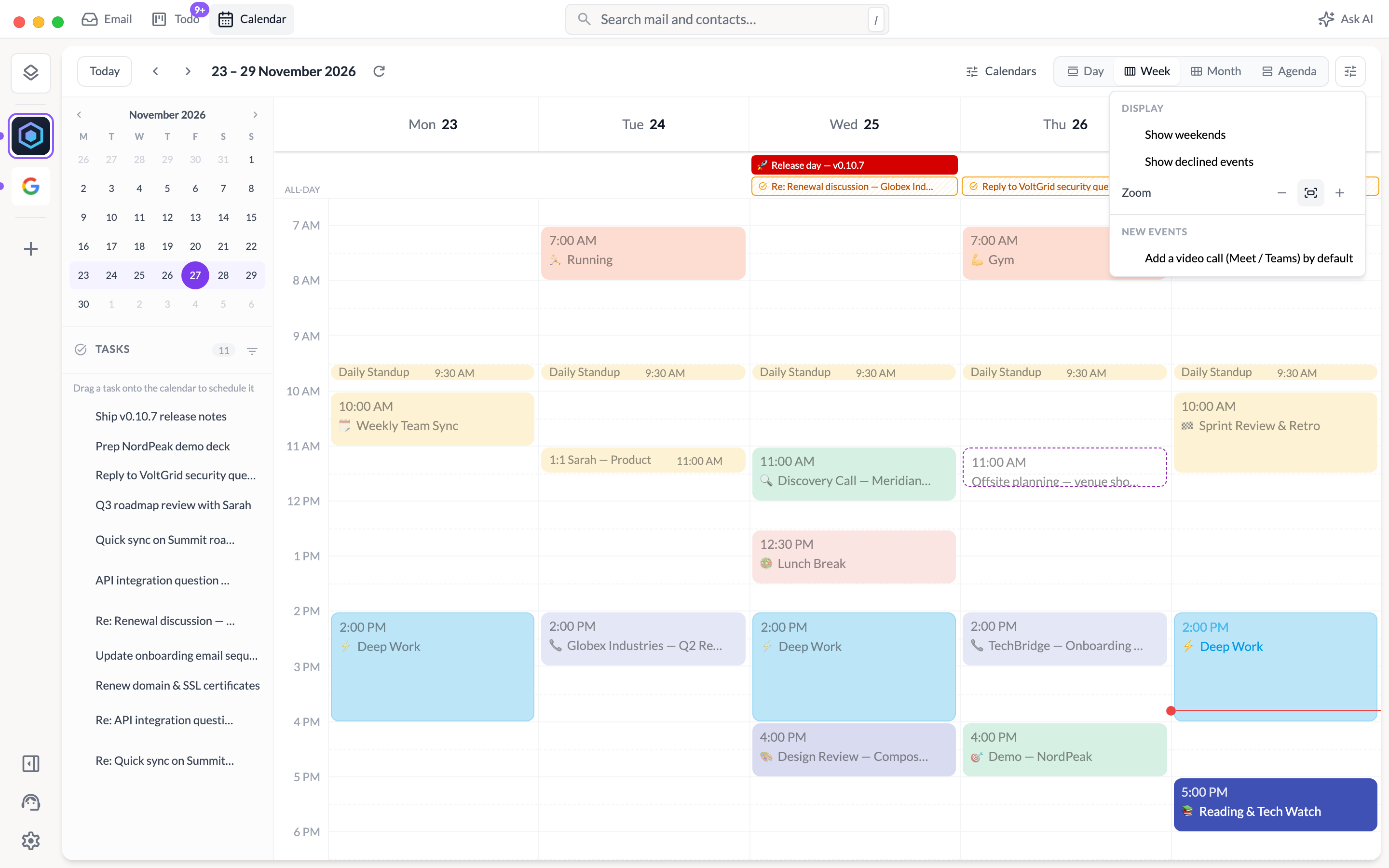
The week view zoomed to fit every event from 7 AM to 6 PM, with the Zoom row in the calendar options

✨ Ask AI, in a window

Ask without leaving your email. Cmd+J opens Ask AI in a small window next to what you are reading. It knows which email is open, shows the emails it used, and quick actions like archive or snooze come with Undo.
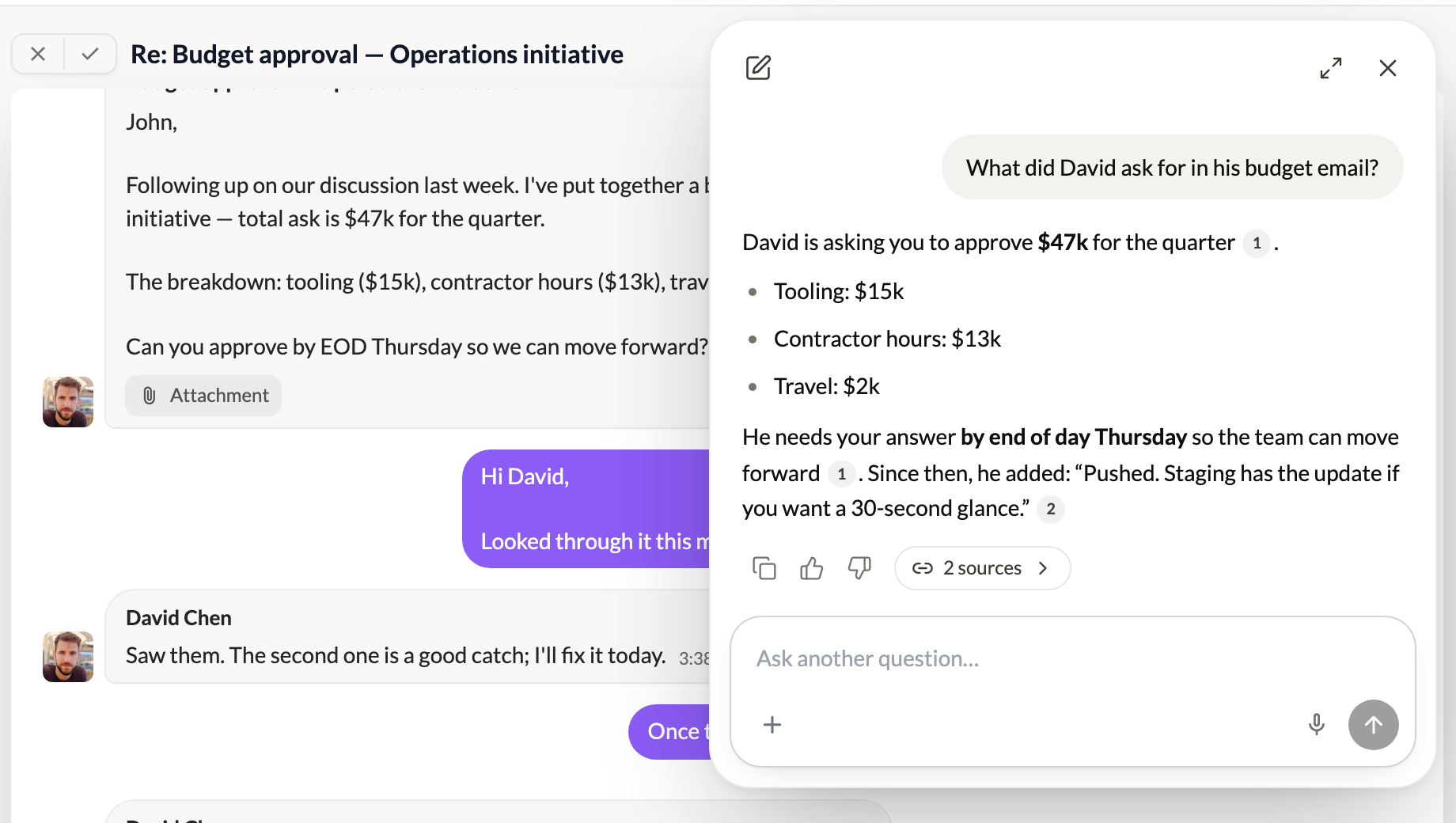
The Ask AI window next to an open email, answering what David asked for, with its sources
  • Stop an answer with the stop button, or start over with Cmd+N.
  • Faster first answers: the AI gets ready as soon as you open it.

👍 Also new

  • Your signature, visible in quick replies. Pick another one, or none.
  • Drag attachments out onto your desktop or into another app.
  • More from the keyboard. Shift+↑ / Shift+↓ select emails, then E, D, H or S act on all of them.

  • Remove any invitation from your calendar, without mailing a refusal to the organizer.
  • Tables pasted from Excel or Word look like tables in chat bubbles.
  • Settings got a cleaner look.

🐛 Fixes

  • Search puts the person you typed first.
  • No more blank emails that needed a restart to show.
  • New mail arrives on time on networks that quietly dropped the connection.
  • Accented names show properly in the reply box.
  • Snoozed emails don’t stick to the top of the inbox anymore.
  • Answering invitations works on iCloud and Microsoft 365, and Outlook meeting requests get Yes, Maybe and No.
  • [Gmail] Replies always go out, even from another account.
  • [Outlook] Changes no longer get stuck for days.
  • [Windows] A sharp unread badge on the taskbar.