v0.6.5
Bug fixes & improvements
🔧 Bug fixes & improvements
- This release includes some minor bug fixes and removes some useless logs (used for local debug) that may contain your credentials (Thanks to Richard for his feedback)
Every release of Talanoa, written down as it ships.
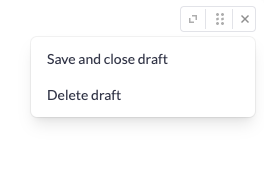
UI Improvement on people/sender header section
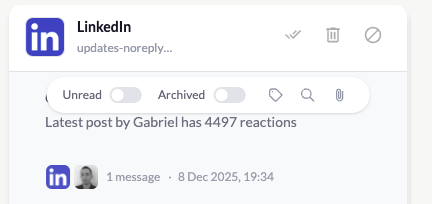
On People/Sender header, added a icon if there are pending todo with this person
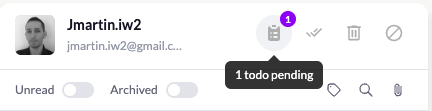
Thanks Moez for his feedback
Thanks Seth and Simon for their feedback
Thanks Richard for his feedback
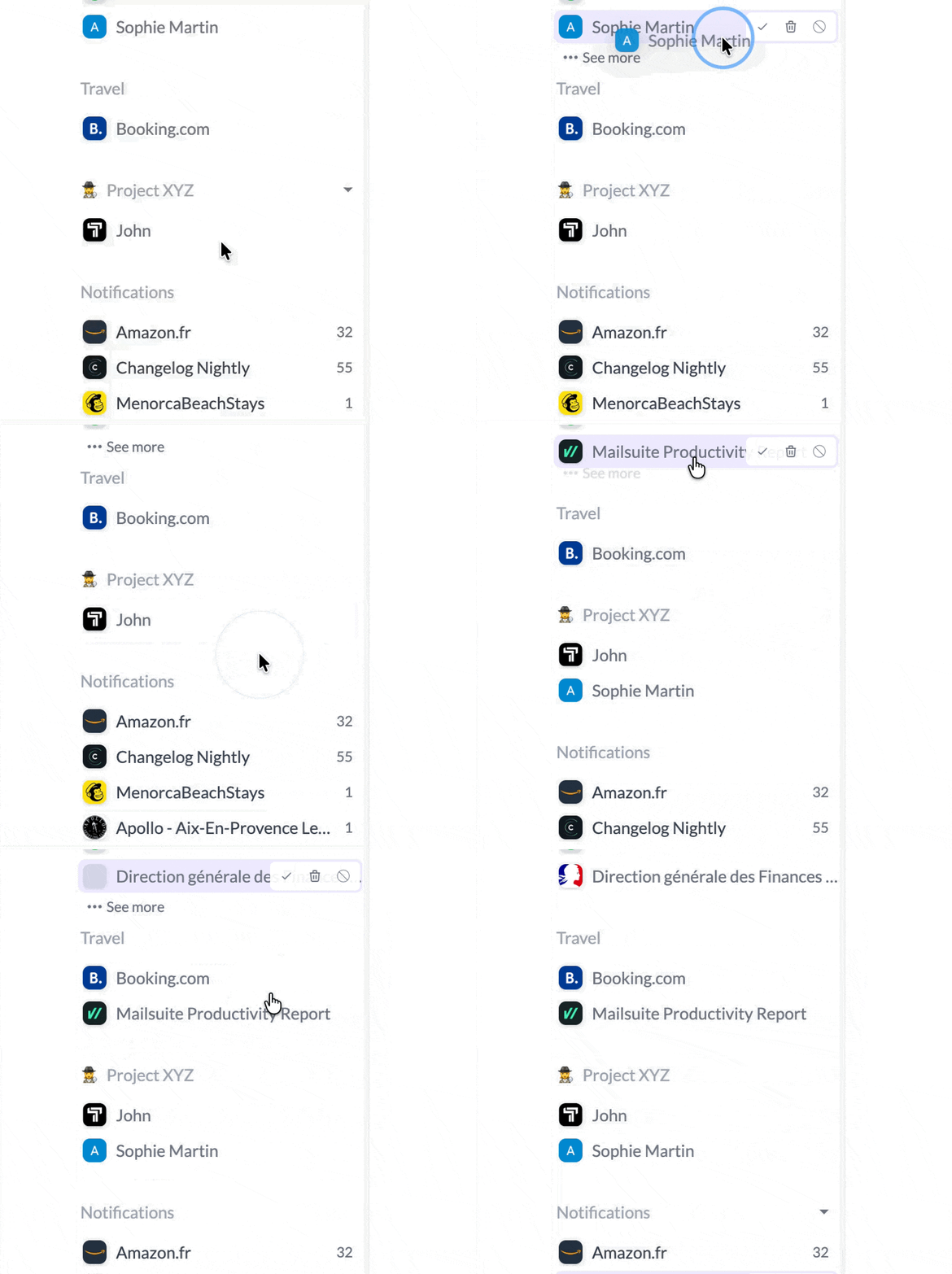
Create your own custom sections to group senders exactly how you want. Organize your inbox by project, priority, team, or any system that makes sense for your workflow. You have complete control over how your emails are organized—no more being locked into predefined categories.
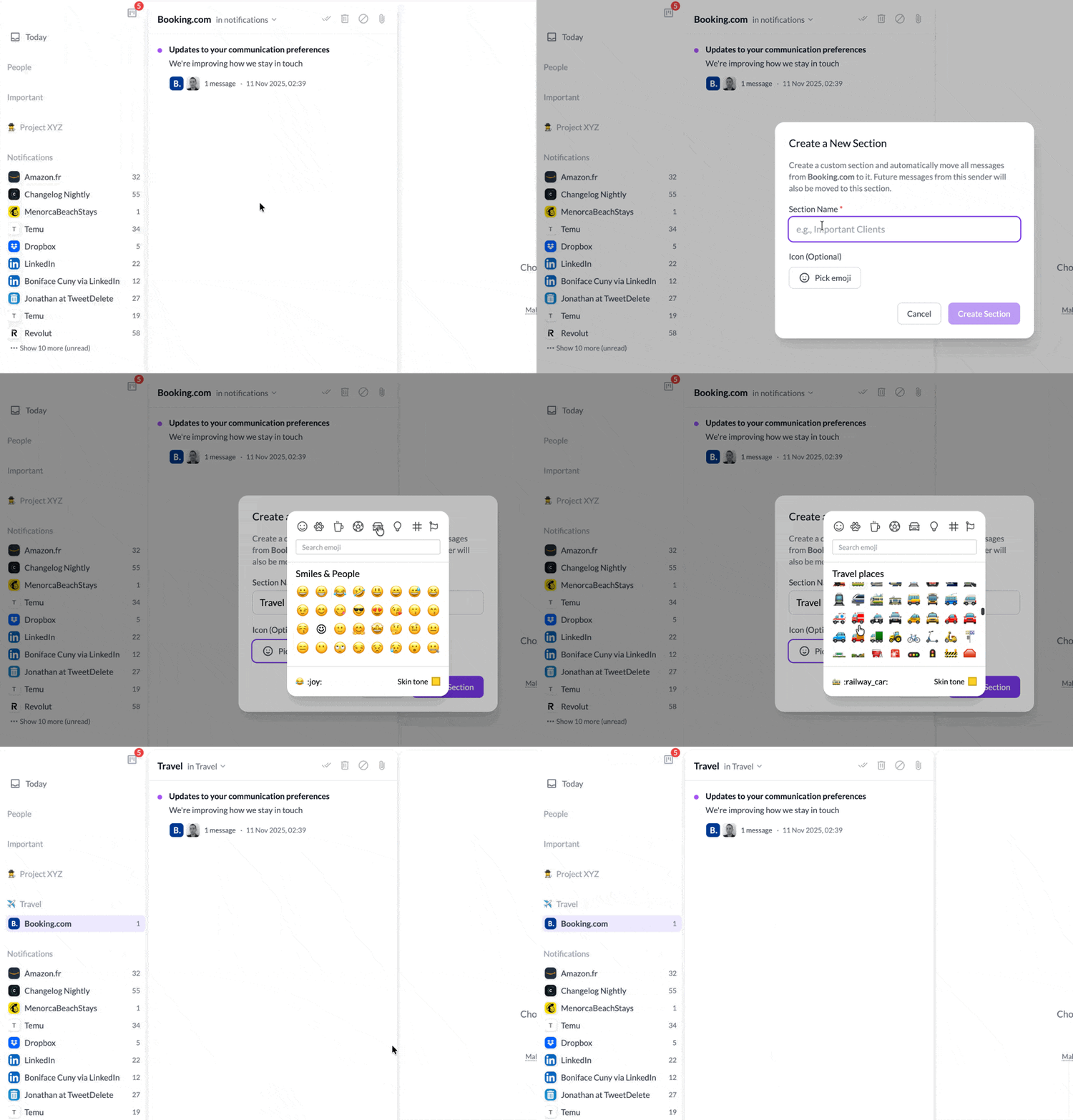
Drag and drop senders into your custom sections, rename them, and reorganize them as your needs evolve. Your inbox, your rules.
Fixed a bug that prevented adding due dates to todo tasks created from emails. You can now properly set deadlines and reminders for all your tasks.
You can now create custom tasks directly in the kanban board that aren’t tied to any email. Perfect for tracking standalone projects, personal reminders, or any task that doesn’t originate from your inbox. Your kanban board is now a complete task management system.
Every email now has an “Add to todo” button, making it easy to convert important messages into actionable tasks. Use the T keyboard shortcut to quickly add the current email to your todo list without lifting your hands from the keyboard.
Schedule emails to be sent at the perfect time. Whether you want to respect timezone differences, send a reminder at just the right moment, or draft emails outside work hours to be sent later, the new send later feature gives you complete control over when your messages go out.
Note: For your privacy and security, scheduled emails are sent directly from your device when the scheduled time arrives. This means Talanoa needs to be running for scheduled emails to be sent—we never have access to your email credentials or tokens, keeping your data completely private.
Add internal notes and comments to any email. Perfect for keeping context, tracking follow-ups, or leaving reminders for yourself—all without cluttering the actual email thread. Your notes stay private and are only visible to you.
Fixed an issue where replying to emails that include a Reply-To header wasn’t sending the response to the correct address. Replies now properly respect the Reply-To header and are sent to the intended recipient.
Added a new General settings tab with two highly requested features:
Opening a message now instantly marks it as read in the UI, eliminating the brief freeze that could occur while waiting for the server response. The interface feels snappier and more responsive.
The message list for each sender now supports infinite scrolling. Instead of loading only the latest 30 messages, you can scroll back through your entire conversation history with that sender—no pagination, no limits.
A new block has been added to the sender view that lets you filter and display only unread messages from that specific sender. Quickly catch up on what you haven’t read yet without scrolling through everything.
Speed up your workflow with fresh shortcuts:
These shortcuts are available from the main app view so you can act instantly without taking your hands off the keyboard.
You can now paste images or files directly into the compose window from your clipboard. Pasted items are automatically added as attachments.
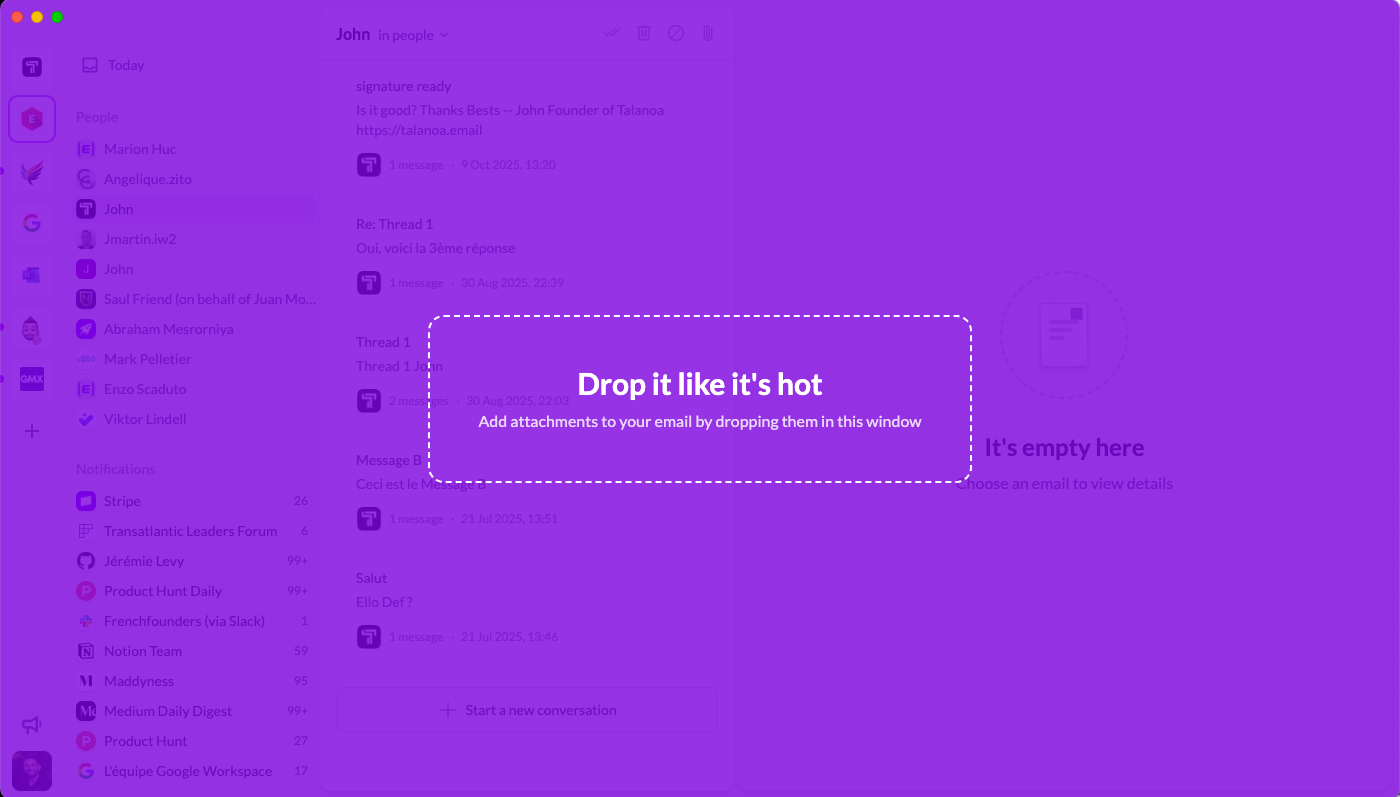
You can now drag and drop files directly into Talanoa to attach them to your email. Just drop the file anywhere in the compose window—fast and intuitive.
If an attachment is larger than 5 MB, Talanoa now shows a clear error so you know right away and can choose a smaller file or another sharing method.
Fixed an issue that could occur when forwarding emails containing attachments. Forwarding now works reliably, with attachments preserved as expected.
