New updates and improvements to Talanoa.
We’ve added a lock feature that allows you to secure Talanoa with a password. This provides an extra layer of security for your email when you need it.
Your emails stay private and secure, even when your device is accessible to others.
We’ve added a powerful Signature Manager that lets you create, edit, and manage multiple email signatures. Available in Settings, this feature gives you complete control over how your emails are signed.
Personalize your emails and maintain a professional appearance with custom signatures.
We’ve resolved connection issues that were affecting the Windows version of Talanoa. Email accounts should now connect reliably on Windows systems.
This fix ensures a smooth experience for all Windows users.
We’ve added a dedicated “Synchronization” section in Settings where you can monitor and control your email sync.
This gives you more transparency and control over your email synchronization process.
We’ve resolved synchronization issues with older IMAP servers that were using legacy protocols or configurations. Talanoa now works seamlessly with a wider range of IMAP server implementations, including older systems.
This ensures compatibility with more email providers and corporate email servers.
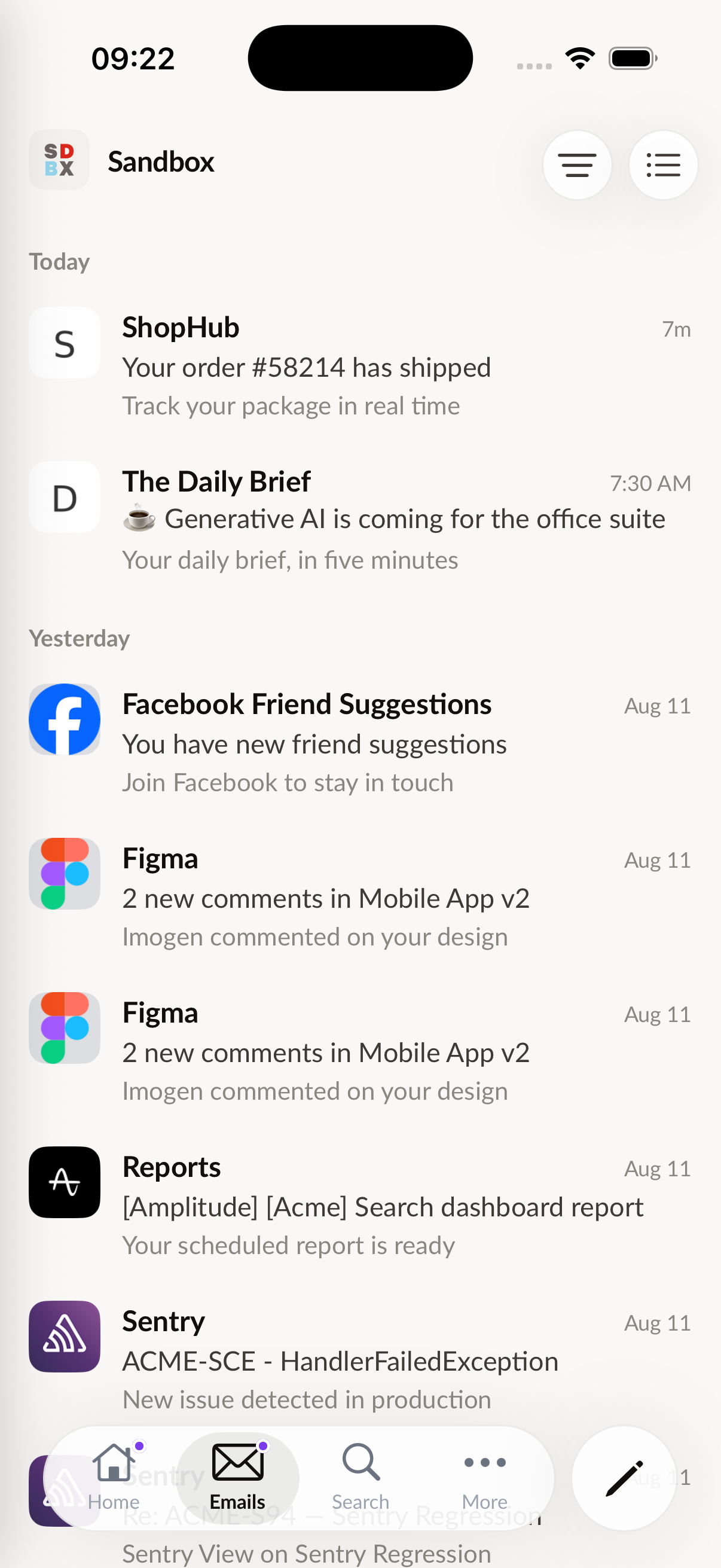
We’ve fixed an issue with message sorting that was causing messages to appear in the wrong order. Messages should now be sorted correctly according to your preferences.
Enjoy a more organized inbox!
We’ve enhanced the synchronization system to better handle any kind of disconnection - whether it’s a network interruption, server timeout, or temporary connection loss. Talanoa will now automatically recover and continue syncing your emails seamlessly.
Your emails will stay in sync even when facing connectivity issues. The improved sync system ensures you never miss important messages, even during unstable network conditions.
We’ve resolved an issue where some messages from Outlook accounts were appearing blank. All Outlook messages should now display correctly with their full content.
This fix ensures a seamless experience when managing your Outlook emails in Talanoa.
The biggest update yet is here! You can now connect any email account to Talanoa using custom IMAP and SMTP settings. No longer limited to Gmail and Outlook - connect your work email, personal domains, or any email provider that supports IMAP/SMTP.
Whether you’re using a custom domain, a lesser-known email provider, or a corporate email server, Talanoa now supports it all. Simply configure your IMAP and SMTP settings and start managing all your emails in one beautiful interface.
With custom IMAP/SMTP support, you have complete control over how Talanoa connects to your email server. This opens up endless possibilities for email management across all your accounts.
This is a game-changer for anyone who needs to manage emails from multiple providers or custom domains. Try it out and let us know what you think!
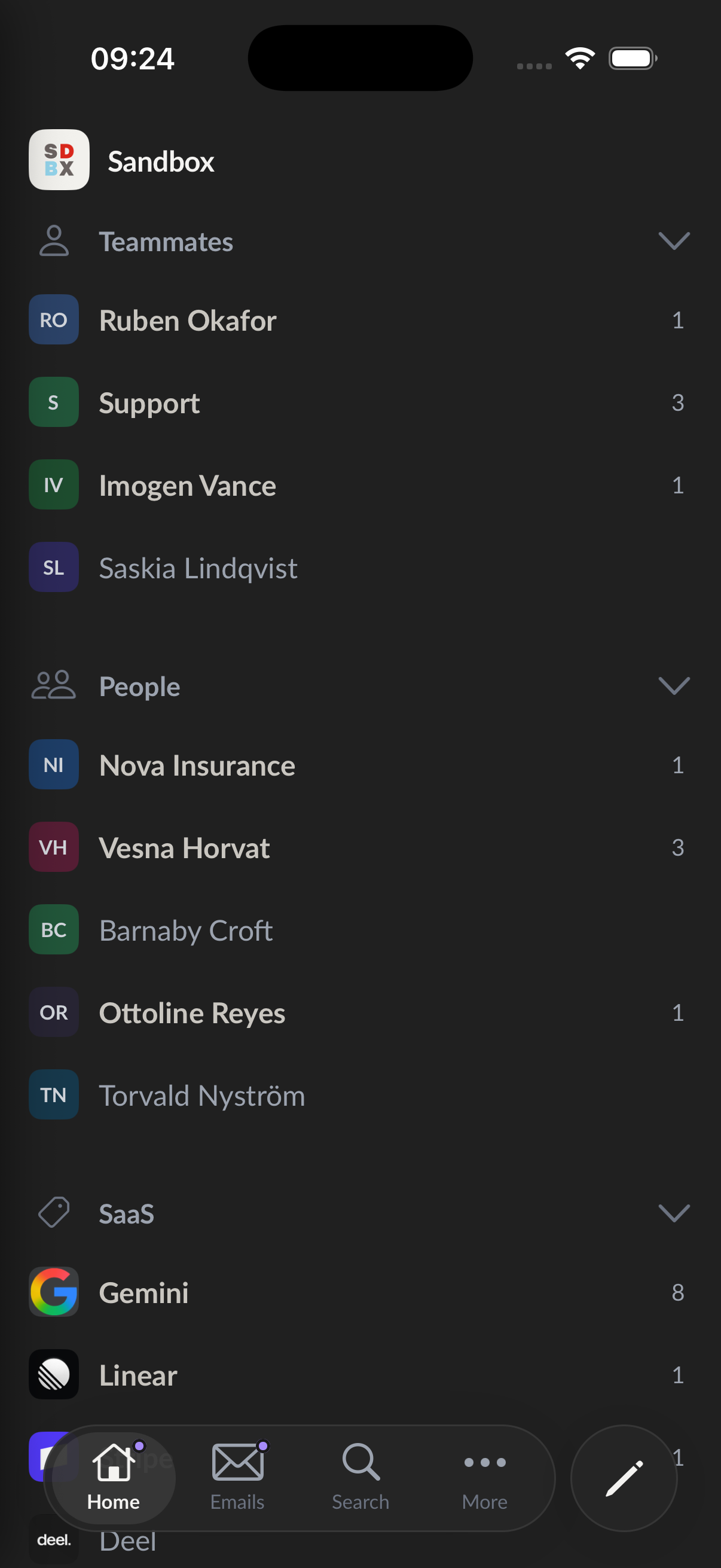
The biggest update yet is here! You can now manage multiple inboxes inside Talanoa. Connect all your email accounts and switch between them seamlessly.
Add your Gmail & Outlook, manage them all from one place. No more switching between different email apps!
Switch between your accounts with just one click. Each account maintains its own organization and settings, so your work and personal emails stay perfectly separated.
Manage all your connected accounts from the new settings section. Change account icons, disconnect inboxes, and customize your experience for each account.

This is a game-changer for anyone managing multiple email accounts. Try it out and let us know what you think!