Changelog

New updates and improvements to Talanoa.

v0.6.2

Big update!!

🎯 Custom sections

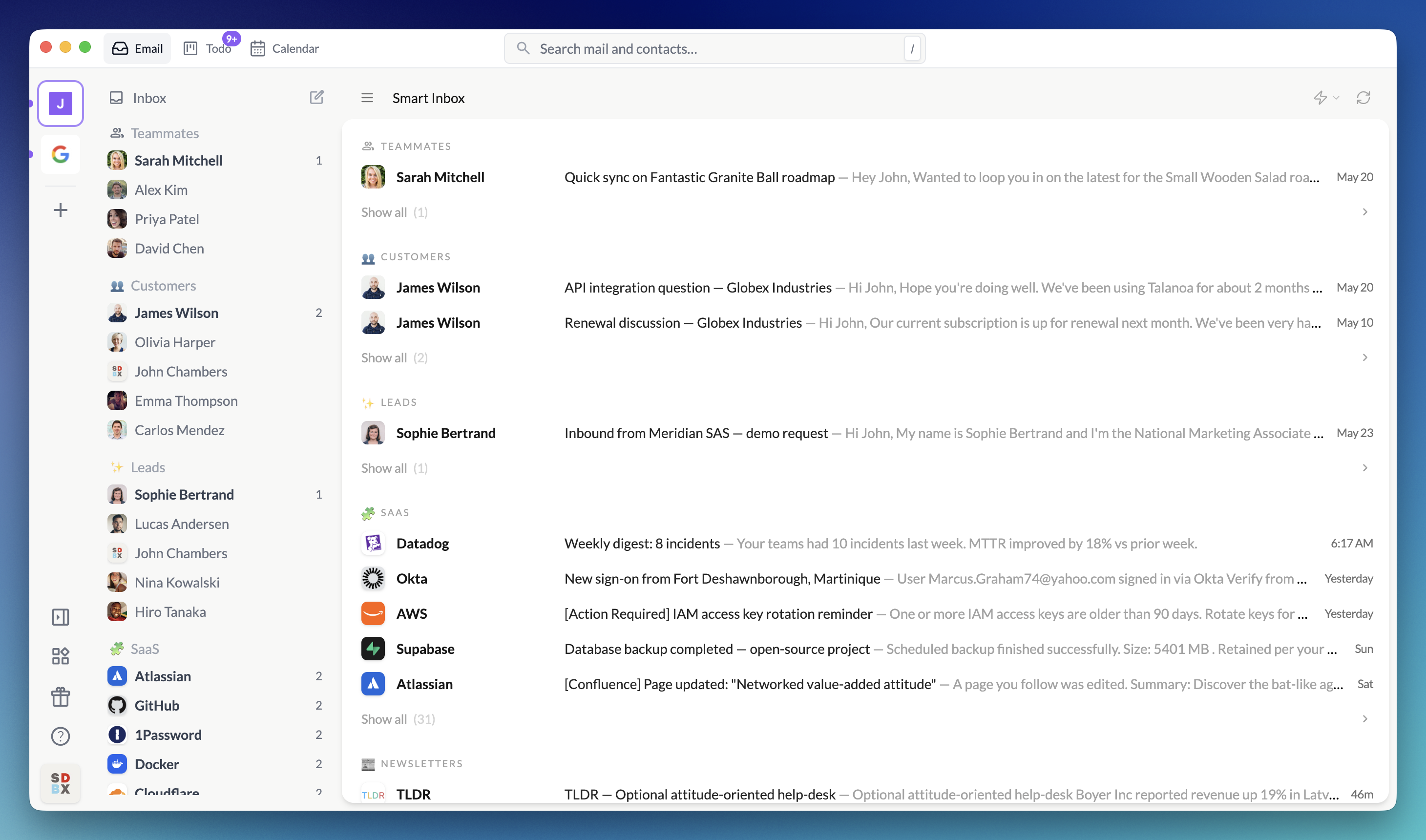
Create your own custom sections to group senders exactly how you want. Organize your inbox by project, priority, team, or any system that makes sense for your workflow. You have complete control over how your emails are organized—no more being locked into predefined categories.

Drag & drop attachments

Drag and drop senders into your custom sections, rename them, and reorganize them as your needs evolve. Your inbox, your rules.

Drag & drop attachments

v0.6.1

Todo due date fix & custom tasks

🔧 Fix adding due date to todo tasks

Fixed a bug that prevented adding due dates to todo tasks created from emails. You can now properly set deadlines and reminders for all your tasks.

➕ Custom tasks in kanban board

You can now create custom tasks directly in the kanban board that aren’t tied to any email. Perfect for tracking standalone projects, personal reminders, or any task that doesn’t originate from your inbox. Your kanban board is now a complete task management system.

v0.6.0

Add to todo, send later & email notes

✅ Add to todo

Every email now has an “Add to todo” button, making it easy to convert important messages into actionable tasks. Use the T keyboard shortcut to quickly add the current email to your todo list without lifting your hands from the keyboard.

⏰ Send later

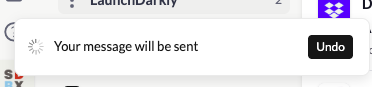
Schedule emails to be sent at the perfect time. Whether you want to respect timezone differences, send a reminder at just the right moment, or draft emails outside work hours to be sent later, the new send later feature gives you complete control over when your messages go out.

Note: For your privacy and security, scheduled emails are sent directly from your device when the scheduled time arrives. This means Talanoa needs to be running for scheduled emails to be sent—we never have access to your email credentials or tokens, keeping your data completely private.

📝 Email notes

Add internal notes and comments to any email. Perfect for keeping context, tracking follow-ups, or leaving reminders for yourself—all without cluttering the actual email thread. Your notes stay private and are only visible to you.

v0.5.24

Reply-To fix & General settings

🔧 Fix reply on emails with Reply-To header

Fixed an issue where replying to emails that include a Reply-To header wasn’t sending the response to the correct address. Replies now properly respect the Reply-To header and are sent to the intended recipient.

⚙️ General settings tab

Added a new General settings tab with two highly requested features:

  • Launch at startup: Configure Talanoa to automatically launch when you log into your Mac
  • Make Talanoa the default email client: Set Talanoa as your system’s default email handler for mailto: links
v0.5.23

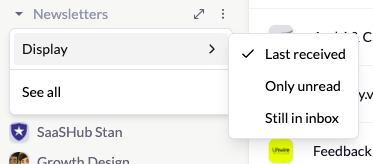
Optimistic UI, infinite scroll & unread filters

⚡ Optimistic UI for read status

Opening a message now instantly marks it as read in the UI, eliminating the brief freeze that could occur while waiting for the server response. The interface feels snappier and more responsive.

♾️ Infinite scroll for sender messages

The message list for each sender now supports infinite scrolling. Instead of loading only the latest 30 messages, you can scroll back through your entire conversation history with that sender—no pagination, no limits.

🔍 Filter unread messages per sender

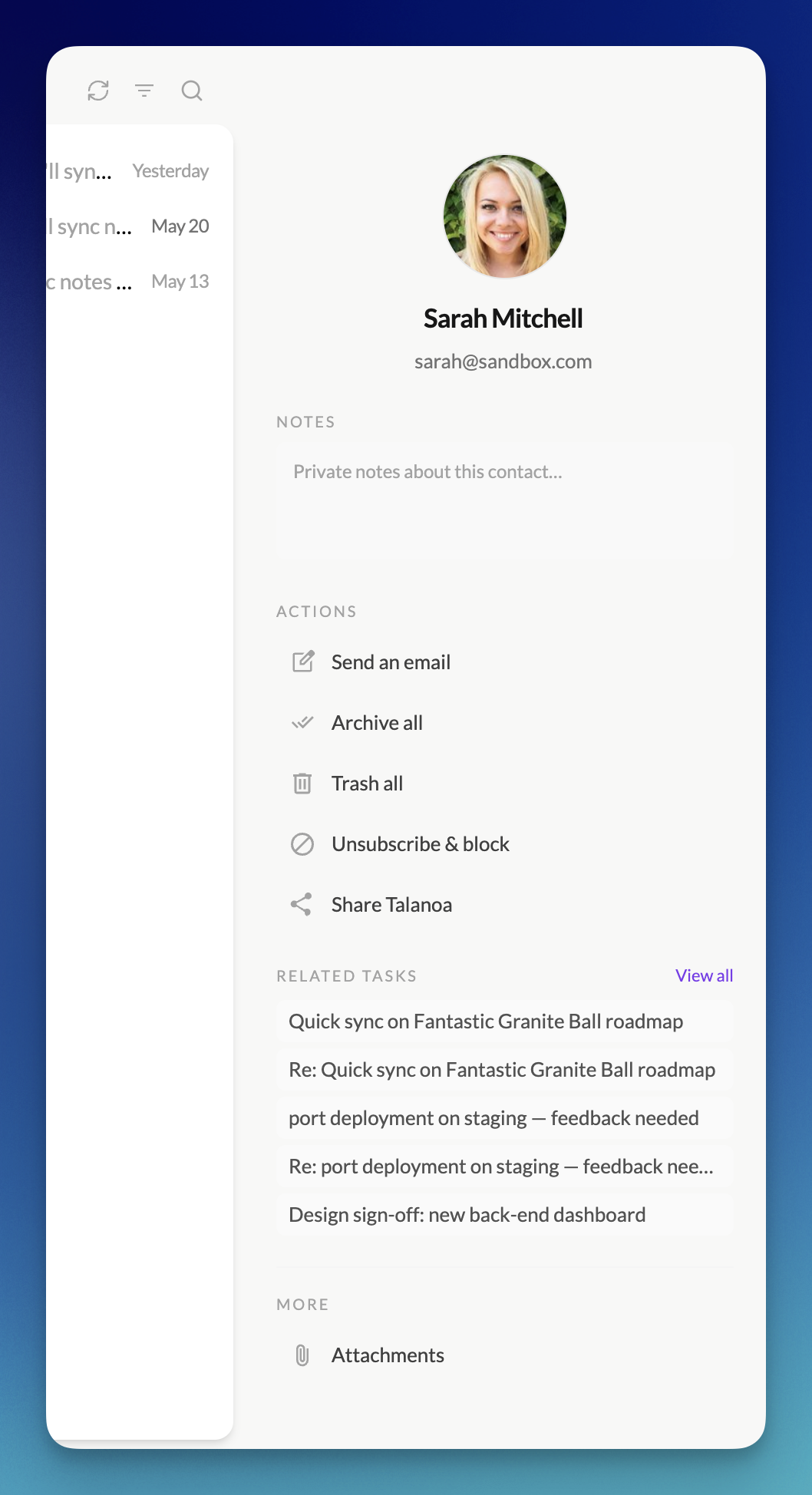
A new block has been added to the sender view that lets you filter and display only unread messages from that specific sender. Quickly catch up on what you haven’t read yet without scrolling through everything.

Drag & drop attachments

v0.5.22

New keyboard shortcuts

⌨️ New keyboard shortcuts

Speed up your workflow with fresh shortcuts:

  • C — Compose a new message
  • R — Reply
  • F — Forward
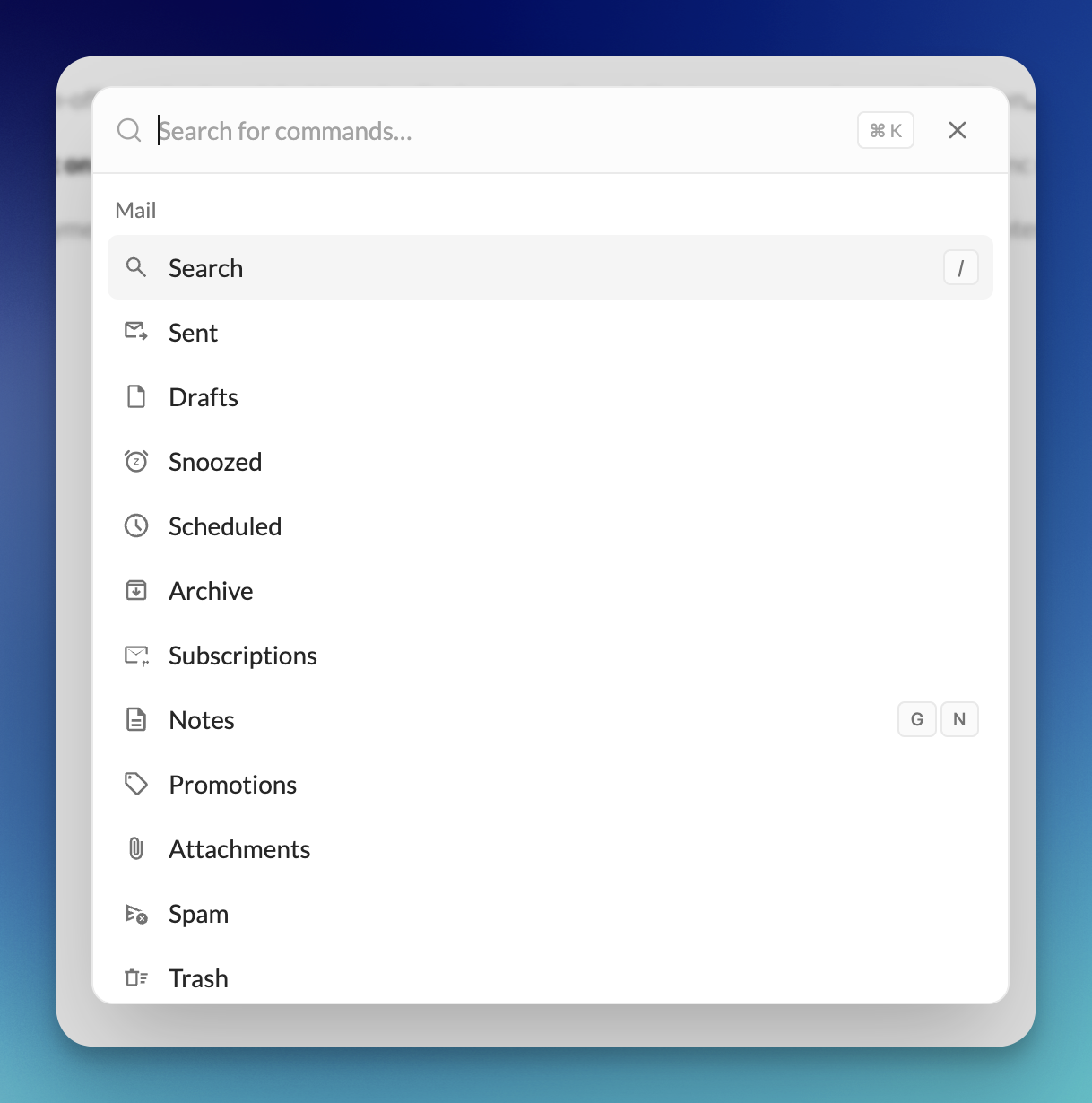
  • Cmd+K (macOS) / Ctrl+K (Windows/Linux) — Quick search

These shortcuts are available from the main app view so you can act instantly without taking your hands off the keyboard.

📋 Paste from clipboard

You can now paste images or files directly into the compose window from your clipboard. Pasted items are automatically added as attachments.

🛠️ Fixes

  • Compose editor: Fixed inconsistent behavior when editing bullet and numbered lists (Enter/Backspace/indent now behave predictably).
v0.5.21

Drag & drop attachments + size warning

🖱️ Drag & drop attachments

You can now drag and drop files directly into Talanoa to attach them to your email. Just drop the file anywhere in the compose window—fast and intuitive.

Drag & drop attachments

🧱 Attachment size warning

If an attachment is larger than 5 MB, Talanoa now shows a clear error so you know right away and can choose a smaller file or another sharing method.

✉️ Forwarding fix

Fixed an issue that could occur when forwarding emails containing attachments. Forwarding now works reliably, with attachments preserved as expected.

v0.5.19

Attachments by sender + global view

📎 Attachments by sender and globally

You can now see all attachments grouped by sender or browse every attachment across your inbox. From there, download files instantly or open the origin email in 1 click—so you get to what you need, faster.

🎯 Do more with attachments

  • Group by sender - View every file a contact has sent you
  • Global attachments - Browse all attachments across all emails
  • 1‑click download - Grab files instantly from the list
  • 1‑click origin email - Jump straight back to where a file came from

🛠️ Fixes and improvements

  • Bulk actions - Fixed an issue where marking all emails as read or trashing all would close the full window unexpectedly
  • Todo Kanban - You can now click a task to open the origin email
v0.5.18

Update sender category for teammates

✏️ Update sender category for teammates

You can now update the sender category (Notifications, People, Spam, etc.) even for teammates. This gives you more control over how emails from your team members are organized and displayed.

🎯 More control over categorization

  • Flexible categorization - Categorize teammate emails just like any other sender
  • Custom organization - Organize team emails according to your workflow
  • Full control - Update categories for all senders, including teammates

This update gives you complete flexibility in organizing your inbox, regardless of who the sender is.

v0.5.17

Improved forward feature with attachment options

✉️ Improved forward feature

We’ve enhanced the forward functionality to give you more control over attachments. You can now choose whether to forward emails with or without attachments.

📎 Forward with attachment control

  • With attachments - Forward the complete email including all attachments
  • Without attachments - Forward just the message content, leaving attachments behind
  • Your choice - Full control over what gets forwarded

This gives you the flexibility to forward emails exactly how you need them, whether you want to share the full message or just the content.