We’ve added a lock feature that allows you to secure Talanoa with a password. This provides an extra layer of security for your email when you need it.
🛡️ Protect your emails
Password protection - Set a password to lock Talanoa
Privacy when needed - Keep your emails secure when stepping away
Easy to use - Quick lock and unlock functionality
Your emails stay private and secure, even when your device is accessible to others.
We’ve added a powerful Signature Manager that lets you create, edit, and manage multiple email signatures. Available in Settings, this feature gives you complete control over how your emails are signed.
📝 Create and manage signatures
Multiple signatures - Create different signatures for different purposes
Rich formatting - Format your signatures with text styling
Easy management - Edit, delete, or set default signatures with ease
Personalize your emails and maintain a professional appearance with custom signatures.
We’ve resolved synchronization issues with older IMAP servers that were using legacy protocols or configurations. Talanoa now works seamlessly with a wider range of IMAP server implementations, including older systems.
This ensures compatibility with more email providers and corporate email servers.
We’ve fixed an issue with message sorting that was causing messages to appear in the wrong order. Messages should now be sorted correctly according to your preferences.
We’ve enhanced the synchronization system to better handle any kind of disconnection - whether it’s a network interruption, server timeout, or temporary connection loss. Talanoa will now automatically recover and continue syncing your emails seamlessly.
🛡️ More reliable email sync
Your emails will stay in sync even when facing connectivity issues. The improved sync system ensures you never miss important messages, even during unstable network conditions.
We’ve resolved an issue where some messages from Outlook accounts were appearing blank. All Outlook messages should now display correctly with their full content.
This fix ensures a seamless experience when managing your Outlook emails in Talanoa.
The biggest update yet is here! You can now connect any email account to Talanoa using custom IMAP and SMTP settings. No longer limited to Gmail and Outlook - connect your work email, personal domains, or any email provider that supports IMAP/SMTP.
🔗 Connect any email account
Whether you’re using a custom domain, a lesser-known email provider, or a corporate email server, Talanoa now supports it all. Simply configure your IMAP and SMTP settings and start managing all your emails in one beautiful interface.
⚙️ Full control over your email
With custom IMAP/SMTP support, you have complete control over how Talanoa connects to your email server. This opens up endless possibilities for email management across all your accounts.
This is a game-changer for anyone who needs to manage emails from multiple providers or custom domains. Try it out and let us know what you think!
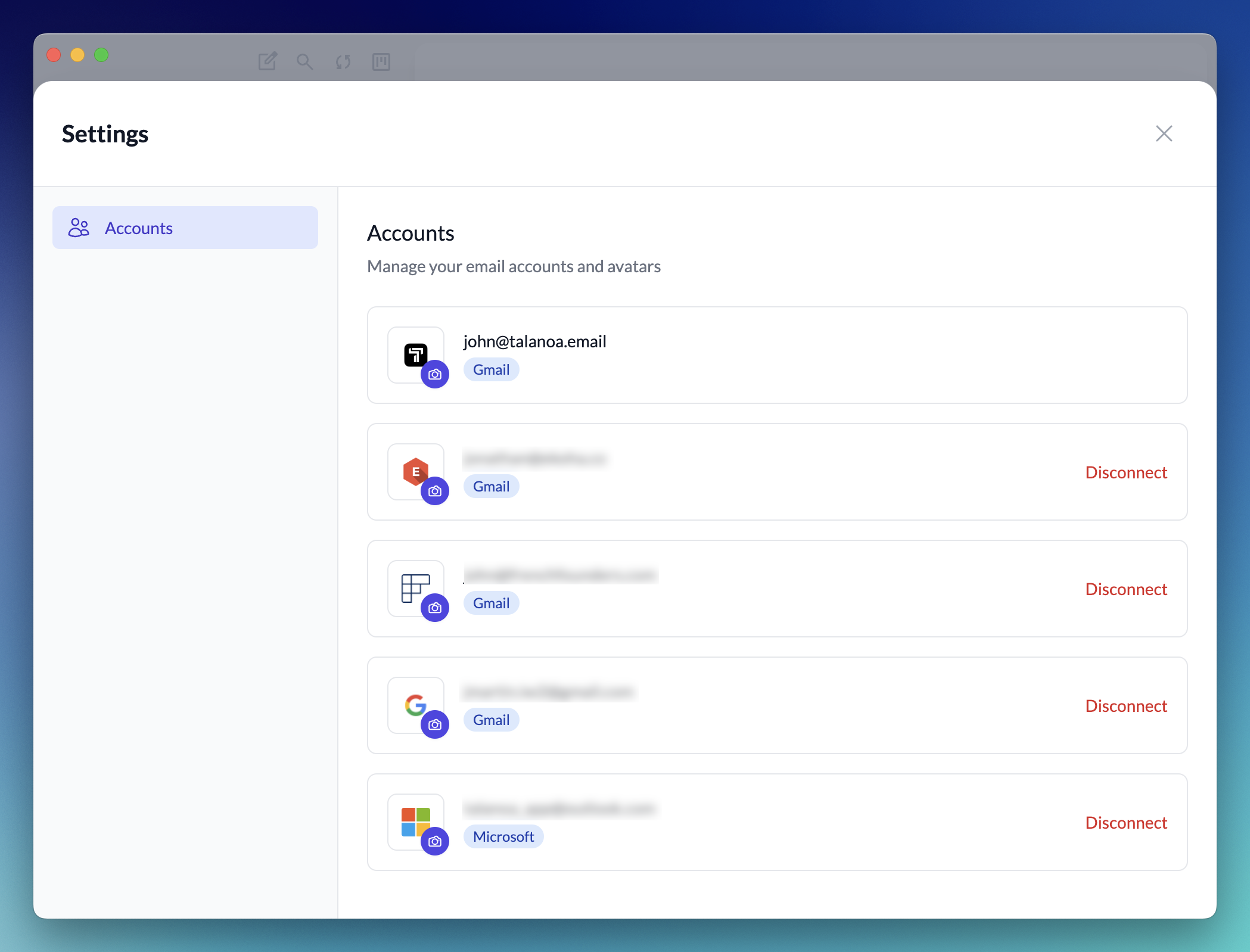
The biggest update yet is here! You can now manage multiple inboxes inside Talanoa. Connect all your email accounts and switch between them seamlessly.
🔗 Connect multiple accounts
Add your Gmail & Outlook, manage them all from one place. No more switching between different email apps!
📱 Seamless account switching
Switch between your accounts with just one click. Each account maintains its own organization and settings, so your work and personal emails stay perfectly separated.
⚙️ New Settings section
Manage all your connected accounts from the new settings section. Change account icons, disconnect inboxes, and customize your experience for each account.
This is a game-changer for anyone managing multiple email accounts. Try it out and let us know what you think!