Split View — your inbox, your way
✨ New & improved
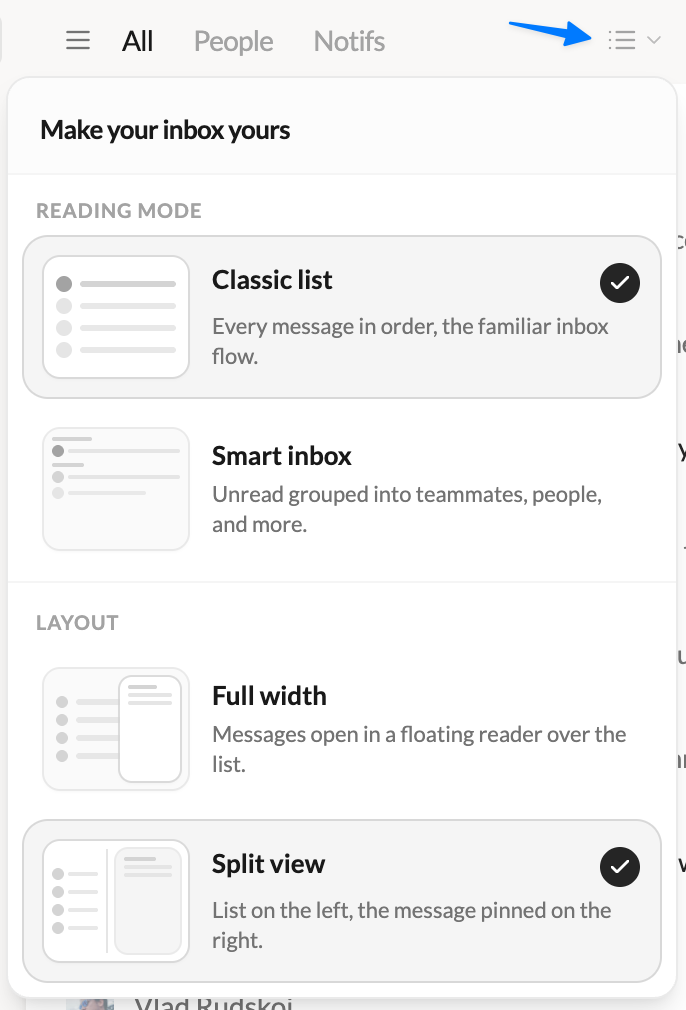
- 🪟 Introducing Split View — A brand-new way to read your email. Keep your list pinned on the left and open messages right beside it, side by side. Drag the divider to size each side exactly how you like. Prefer the classic full-width list with a floating reader? That’s still here too — pick your favorite anytime.
- 🎛️ Choose your layout in one click — A redesigned switcher in the inbox lets you flip between Full width and Split view, with a visual preview of each. Your choice is remembered.
- 📇 A smarter conversation list — In Split View, threads get straight to the point: subject, preview, participants and message count at a glance. Avatars and counters only show up when they actually help.
- 🎚️ A sender panel that gets out of the way — Collapse the contact panel with a click for maximum reading space, and bring it back whenever you need it.
- ✍️ Compose from anywhere — The “New message” button now follows you into the header when the sidebar is collapsed. Never more than a click away from writing.
- 🖊️ Pick your signature with confidence — The signature picker now opens in its own window with a full preview of every signature, so you see exactly what you’re sending — or choose none.
🐛 Fixes & polish
- Dark scrollbars at last — Scrollbars now follow dark mode on Windows and Linux.
- Clearer filters — “Unread” and “Archived” are now “Unread only” and “Archived only”.
- Lots of small interface refinements for a smoother, more consistent experience.
💬 Tell me what you think
Loving it? Something feel off? I read every message — write to me directly at [email protected].
Never lose an email, a calmer dark mode & a faster start
✨ New & improved
- 🪟 Talanoa remembers its place — The app now reopens at the exact size and position you left it. No more resizing the window every single launch.
- 📎 “Didn’t you forget an attachment?” — Mention an attachment in your email but hit Send without one? Talanoa gives you a friendly heads-up before it’s too late.
- 🌙 A calmer dark mode — A full dark-mode refresh inspired by Notion: clearer background hierarchy, panels you can actually tell apart, and the active account finally visible in Accounts. Your eyes will thank you at 11pm.
💌 Your emails are safe now
- An email never gets lost — If a send fails, it reopens on its own and retries automatically — even for scheduled sends. Zero vanished messages.
- No more leaky connections — We sealed IMAP connection leaks and decoupled sending from IMAP, so no more hangs or slowdowns while mail goes out.
- Drafts out of your way — Saving, sending, and deleting drafts now run in the background, keeping the interface snappy while you write.
💬 Tell me what you think
Loving it? Something feel off? I read every message — write to me directly at [email protected].
Bug fixes & a honest note from John
🛠️ Mostly bug fixes
No new features this time. Just polish and fixes after the v0.9 redesign: things that felt slow, lists that didn’t update right, and a few UI inconsistencies here and there.
😅 A little story
v0.9 was a huge update. I ship fast and I care a lot about making Talanoa better, but I’ll be honest: sometimes I forget to re-test every corner of the app, especially when my kids are literally under my feet while I’m working. (Parent life.)
This release is me catching up on the stuff that slipped through. Thanks for your patience.
💬 Tell me what you think
The new UI is a big change, and I’d love your feedback: what you love, what feels wrong, what’s missing. Don’t hesitate to write to me directly: [email protected]
A redesigned inbox, Smart Inbox, Snooze & faster navigation
✨ A redesigned inbox
- Cleaner, sharper, faster — Talanoa gets a full UI overhaul: tighter message rows, unified headers, a calmer dark mode, and a layout that feels lighter from the first click. Everything you do — archive, read, reply — takes fewer steps and less visual noise.
- Built to stay fast — The new interface isn’t just prettier; it’s wired for speed. Less clutter on screen means less work for your eyes and your machine.
⚡ Classic Inbox or Smart Inbox
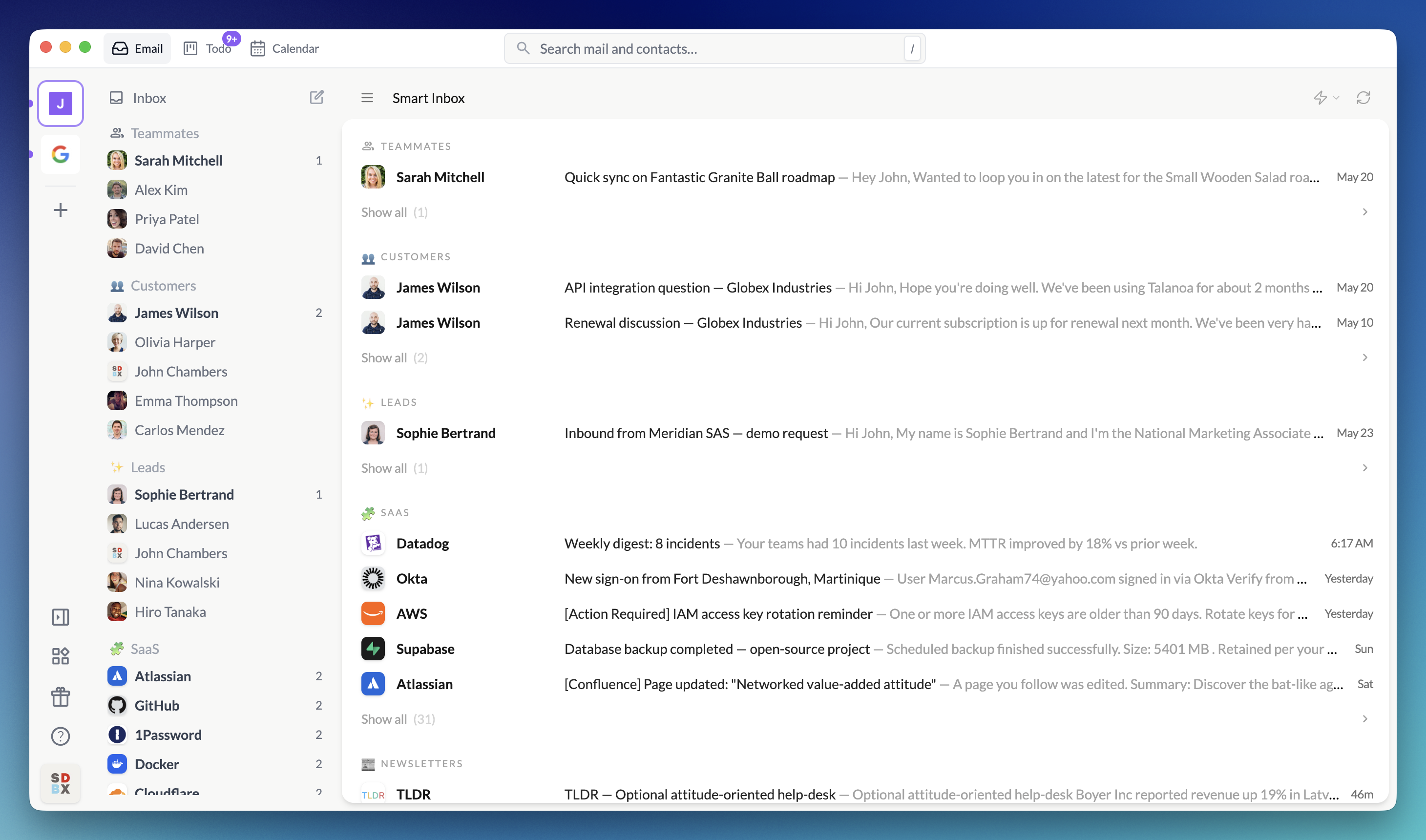
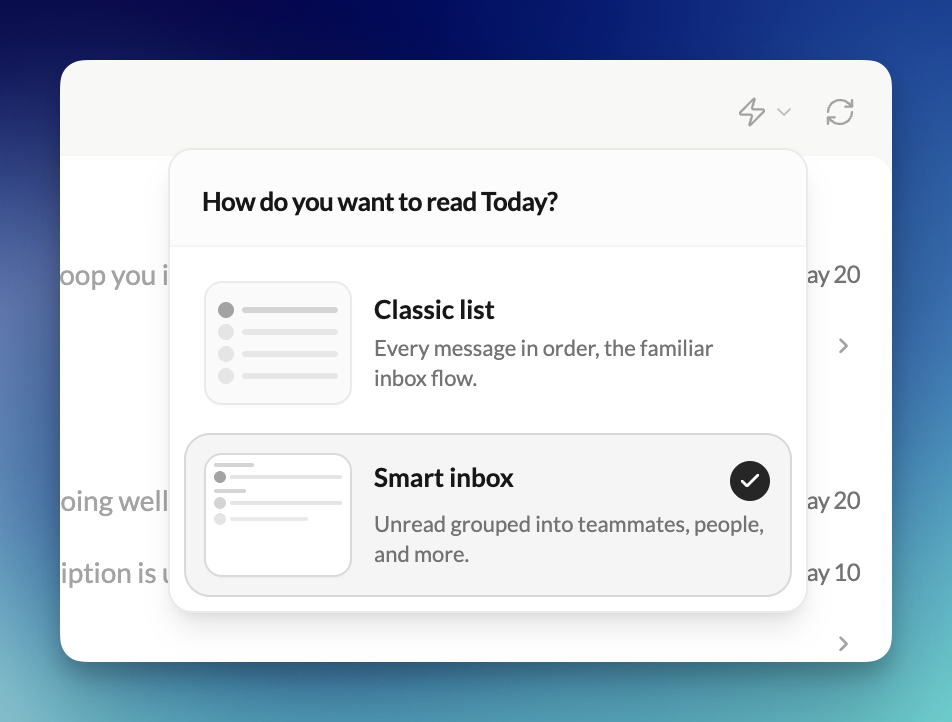
- Your inbox, your way — Switch Today between Classic Inbox (chronological) and Smart Inbox (grouped by Teammates, People, Notifications, and your Sections). Talanoa remembers your choice per account.
- A focused morning, not a scroll marathon — Smart Inbox surfaces only recent unread mail. Preview each category at a glance; open Show all only when you want the full picture.
👤 Sender panel
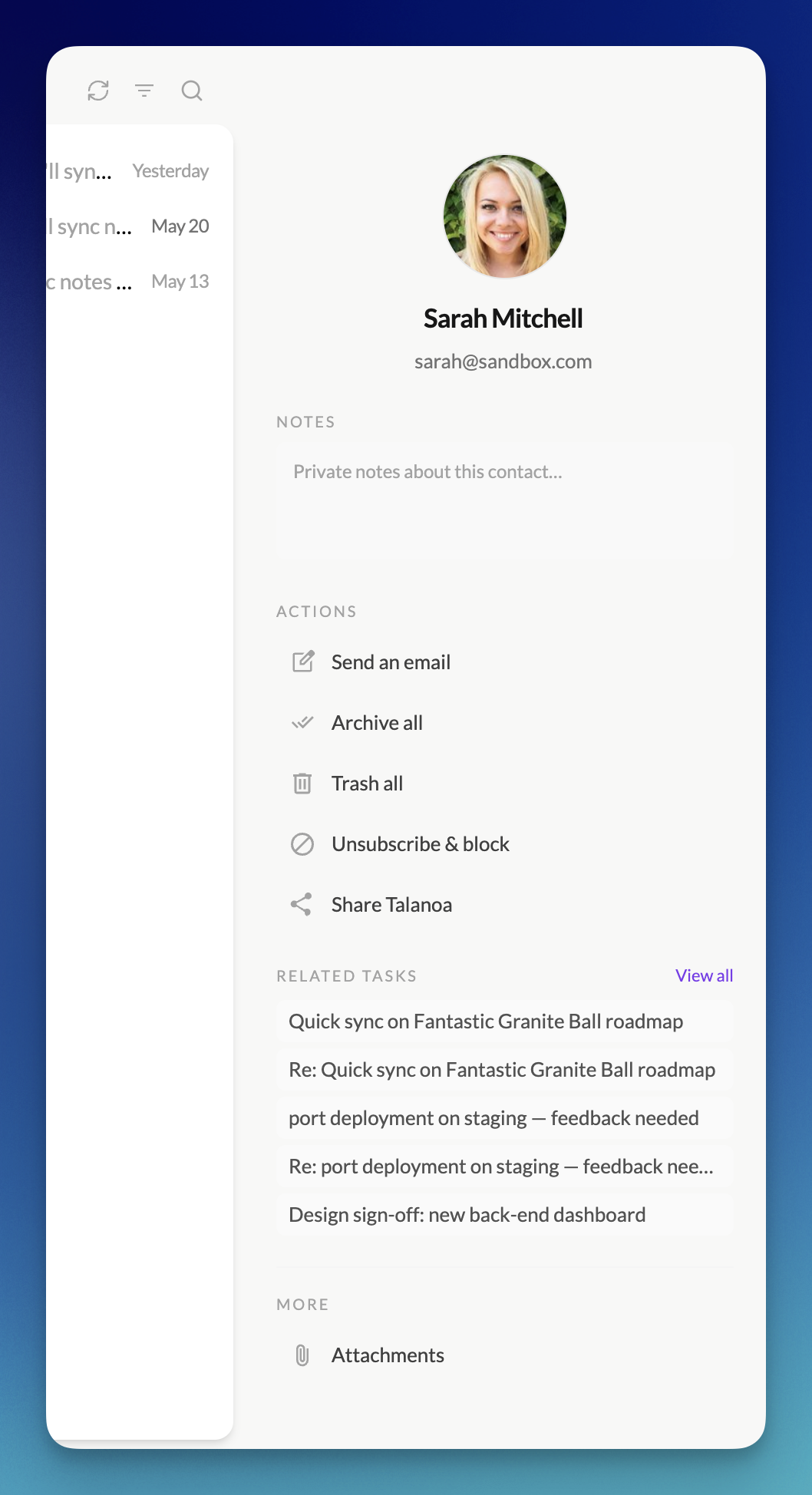
- Know who you’re talking to — A new side panel gives you a richer view of any sender: avatar, contact info, linked todos and notes, custom sections, and quick actions — all without leaving your thread list.
- Act on a sender in one place — Archive, trash, block, or compose from the panel. Handle a whole relationship from a single spot instead of jumping through menus.
🔍 Search on /
- Find mail the way you expect — Press
/from anywhere to search emails and contacts instantly. No more hunting for the right shortcut — just type and go.
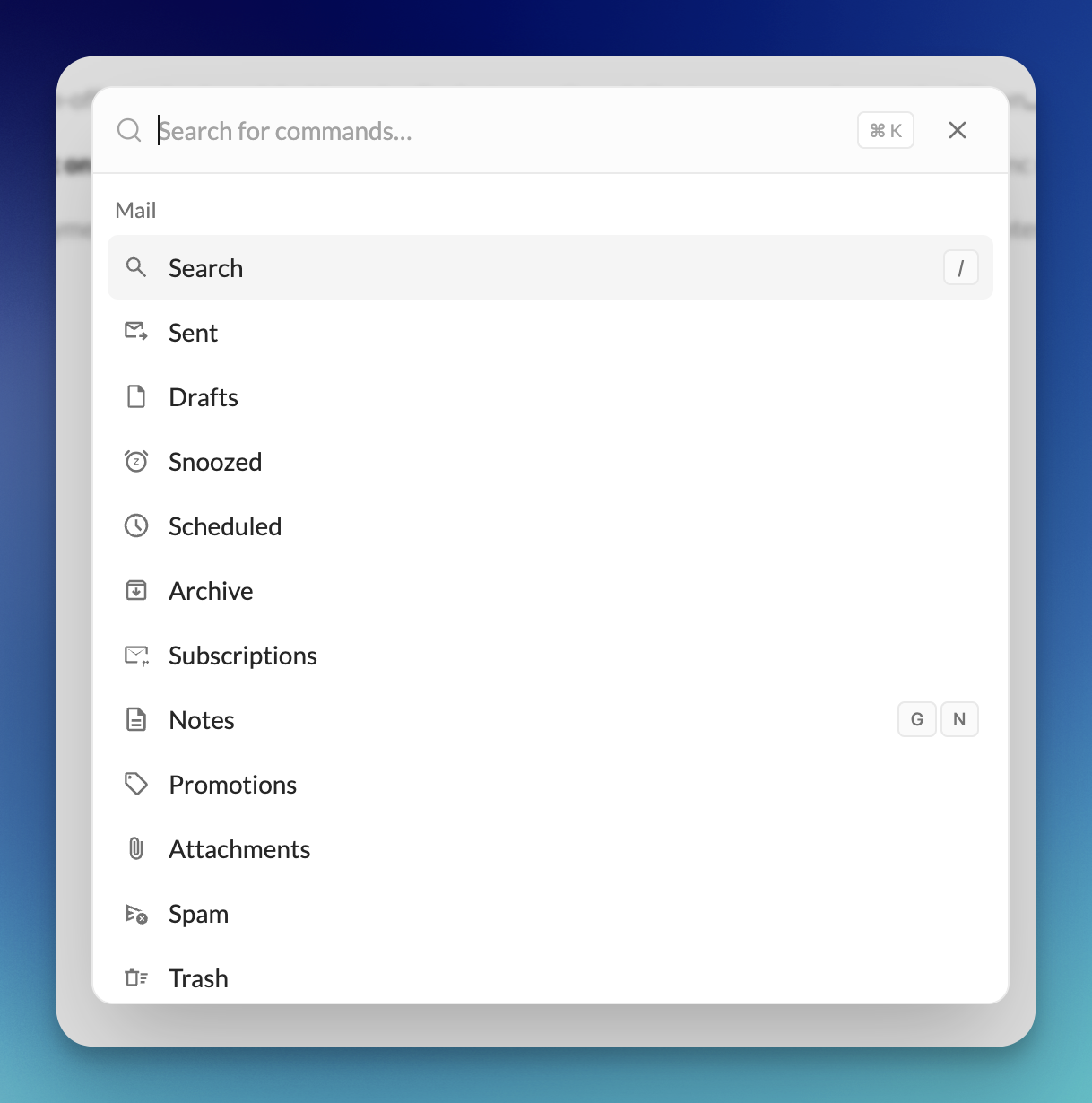
⌘ Command palette on Cmd+K / Ctrl+K
- Jump anywhere in one keystroke —
Cmd+K(Mac) orCtrl+K(Windows/Linux) opens the command palette: Sent, Drafts, Snoozed, labels, sections, and more. Switch views without touching the sidebar.
😴 Snooze
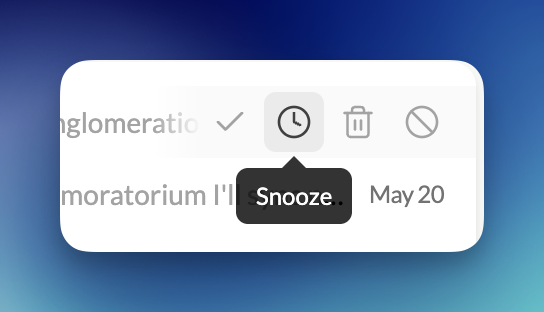
- Park it until you’re ready — Snooze a single message until tomorrow, next week, or a time you pick. It leaves your inbox and comes back on its own — no mental load, no manual follow-up.
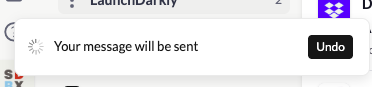
- Changed your mind? Undo. — Hit Undo right from the toast if you snoozed too fast.
- Everything you parked, in one place — A Snoozed folder shows what’s waiting and when it returns. Unsnooze anytime.
⚡ Performance & reliability
- Opens faster, stays smooth when mail pours in — Startup freezes and stutters during sync are gone. Draft autosave no longer gets in your way while you write.
- Fixes you’ll notice — Duplicate attachments after re-sync, missing calendar invites in People, and other rough edges cleaned up.
Zen dashboard, multiple compose windows & undo send
🧘 Zen Dashboard
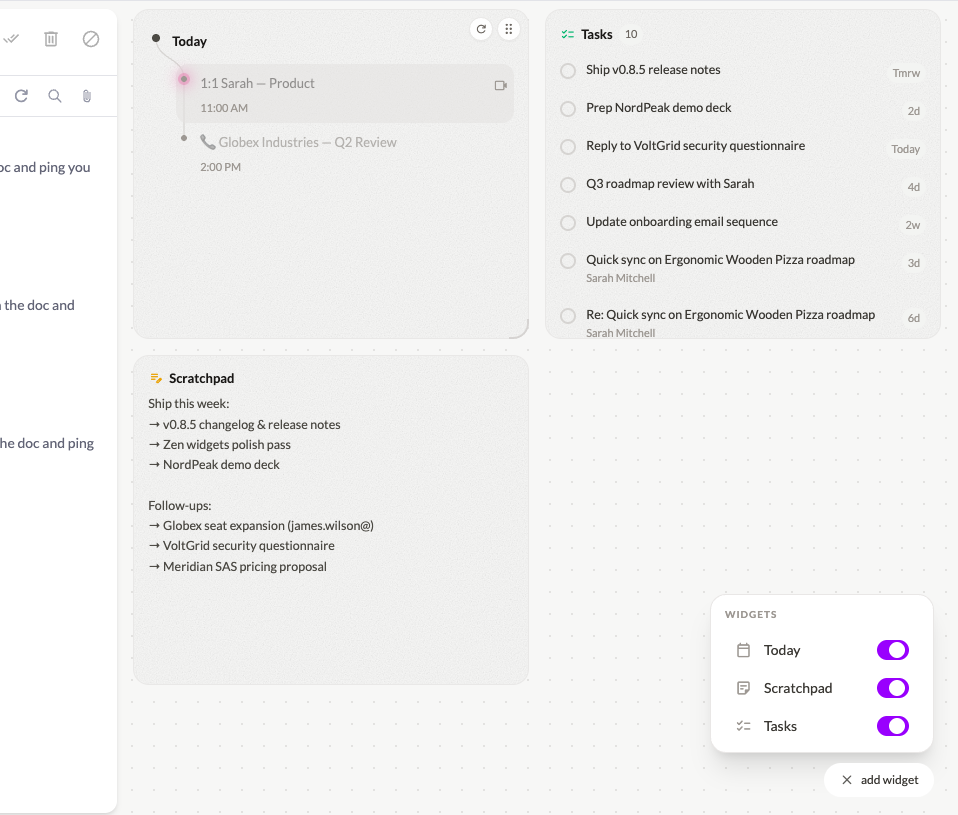
- Today planning — A brand-new home base built into the Zen dashboard. See what truly needs your attention today, plan your day without leaving the app, and start each morning with clarity. It’s a genuine game-changer for inbox focus.
- Scratchpad — A persistent, always-available notepad right on your dashboard. Jot down thoughts, copy snippets, or draft ideas without switching apps.
- Tasks — Lightweight task management woven directly into your dashboard so your to-do list and inbox finally live in the same place.
✉️ Multiple Compose Windows
- Write several emails at once — You can now have multiple compose windows open simultaneously. Reply to one thread while drafting a new email to someone else — no more closing one to open another.
- New modal compose — The compose window now opens as a centered modal by default, giving you more focus and screen real estate. It floats cleanly above your inbox and snaps to compact when you navigate away.
↩️ Undo Send
- 6-second sending delay with Undo — Every email you send now has a 6-second window to cancel it before it leaves your outbox. Caught a typo, forgot an attachment, or sent to the wrong person? Hit Undo and get it back. This one could save your life.
🔧 Advanced Rules
- Filter by “To” address — Rules can now match on the recipient field, not just the sender. Perfect for sorting alias-based inboxes: route emails sent to
support@,billing@, or any alias exactly where they belong.
🧠 Smarter Email Classification
- Improved people vs. notification detection — The classification engine has been refined to more accurately distinguish real conversations from automated mail. Fewer newsletters in your People section, fewer colleagues in Notifications.
📥 Drag Emails into Sections
- Direct drag-and-drop from Inbox to Sections — You can now drag an email from your inbox and drop it directly into any Section to reclassify it on the spot. No menus, no friction.
⚡ Performance & UI
- Assorted UI fixes, visual polish, and speed optimizations for a smoother everyday experience.
People section options, IMAP import & polish
✨ Improvements
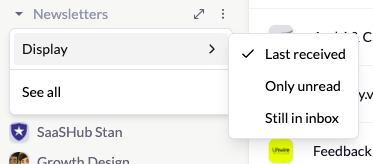
- Sections - New setting for the section: choose what to show for group of senders — the latest sender, only threads with unread mail, or messages that are still in your inbox (not archived).
- IMAP import - You can sync your full inbox during import, not only the last three months.
⚡ Performance & UI
- Assorted UI fixes and performance improvements for a smoother day-to-day experience.
Calendar UI polish & performance
✨ Improvements
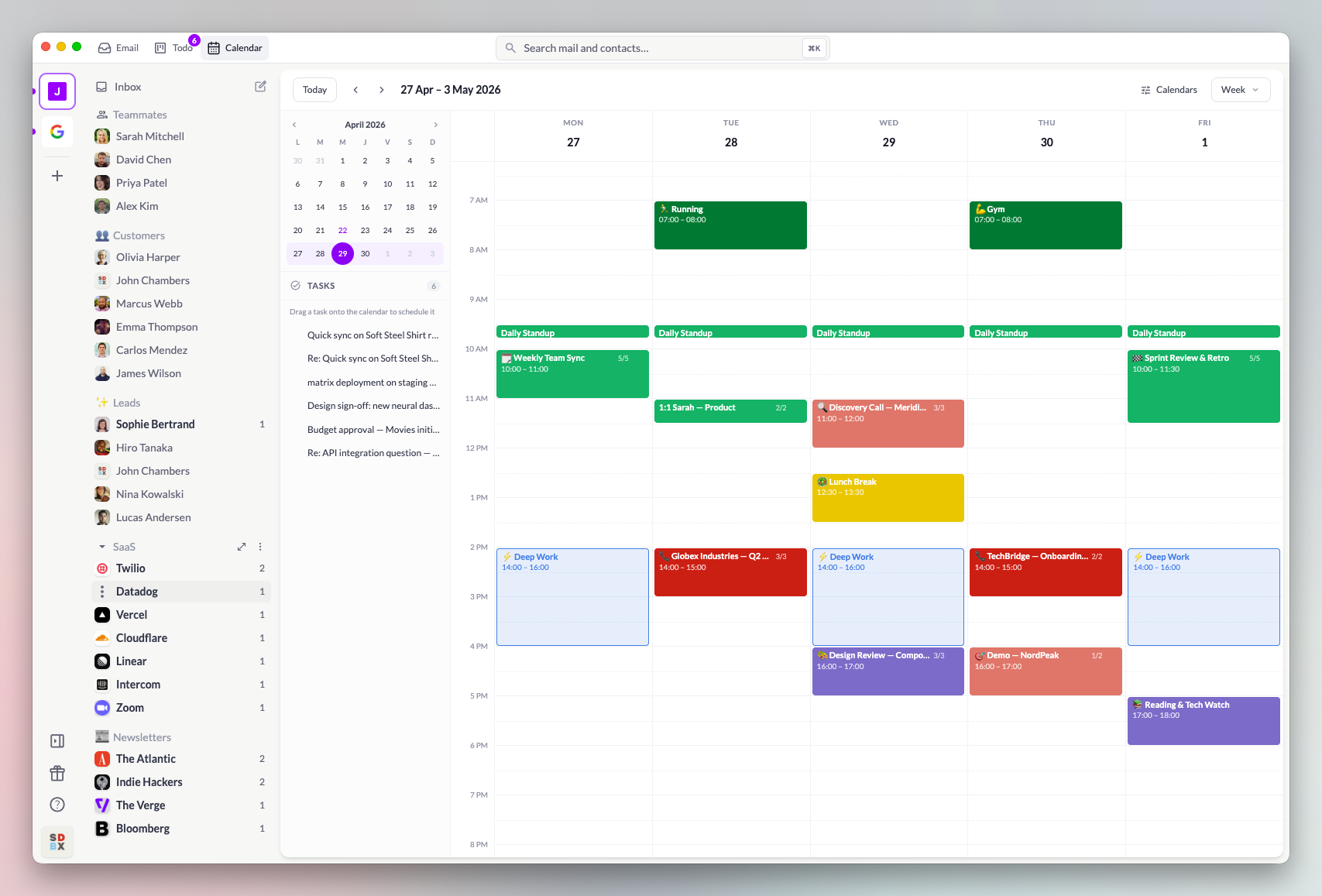
- Calendar - Refined layout, spacing, and visual clarity throughout the Calendar so it stays easy to scan and navigate.
⚡ Performance
- Reduced freezes & jank - Addressed hotspots that could make the app feel stuck or sluggish; scrolling and switching views should feel smoother.
Calendar is finally here
🚀 Big update: Calendar
Calendar is finally here! Talanoa now includes a full calendar app directly inside your email client.
- See your schedule without leaving Talanoa
- Plan your day next to your inbox
- Turn todo tasks into event in your calendar to plan your tasks
- Keep email and meetings in one place
Subscriptions & UI improvements
🚀 Features
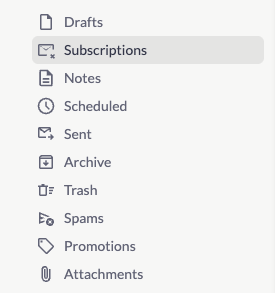
- Subscriptions module - List all your notification subscriptions and unsubscribe in one click
✨ Improvements
- UI - Various UI improvements across the app
Calendar in compose — book time without leaving your email
🚀 Big update: Calendar while you compose
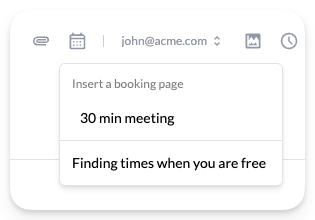
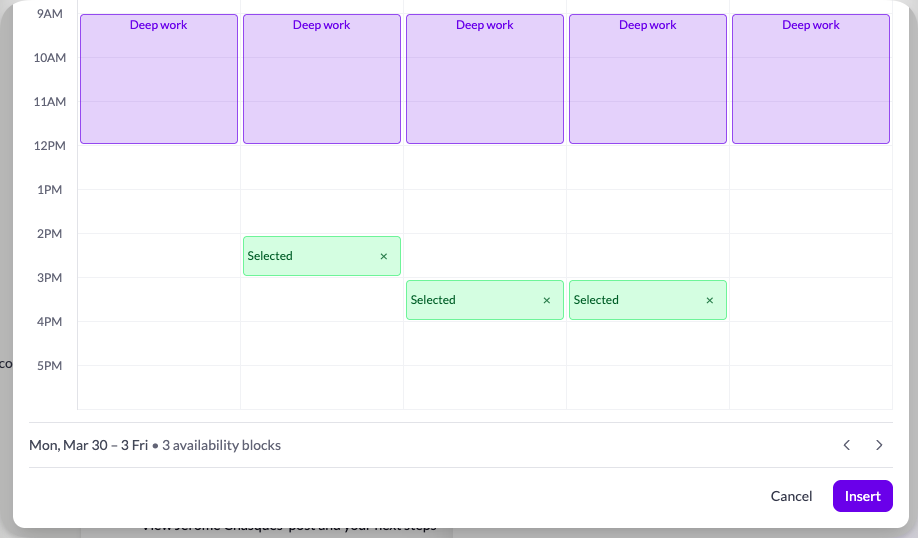
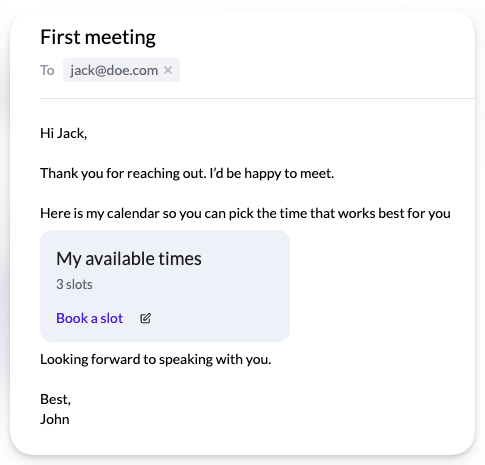
Calendar integration is built into compose. Send a calendar booking link or pick free time slots from your calendar and share them with your recipient — all without leaving the draft. It’s a smooth flow from offer to booked meeting.
1. Pick a booking link or time slots
Insert your existing calendar booking link, or choose “finding times” to pick slots from your calendar instead.
2. Choose the slots you want to share
If you picked slots, select only the times you want to offer — recipients will not see the rest of your calendar.
3. Send the booking link to your recipient
Paste the link into your email and send it. They open it in the browser to view your availability.
4. They choose the perfect time
Your recipient picks the slot that works best for them, without endless email threads.
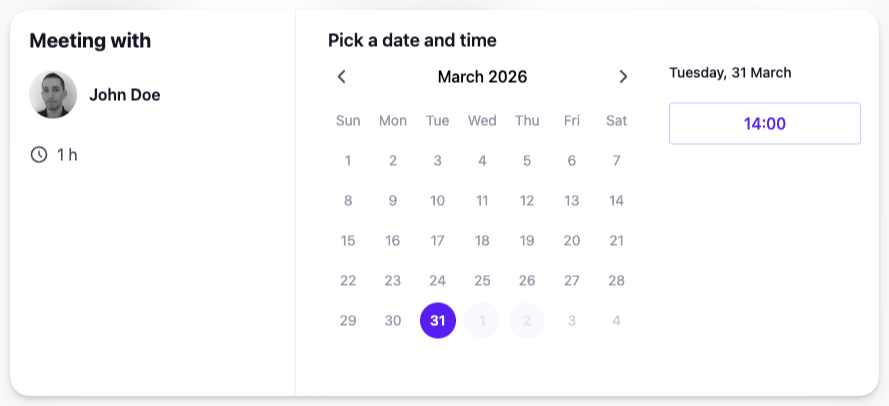
5. Event created and booked automatically
When they confirm, the meeting is added to your calendar and the time is reserved for both of you.