How Talanoa protects you from trackers and phishing
Hidden images that spy on you, links that lie, senders who pretend. Here's how Talanoa spots them, and what you can do.
- Time needed
- About 3 minutes
- What you need
- Talanoa
A friendly bodyguard for your inbox 🛡️
Most emails are nice. A few are sneaky.
- Some hide a tiny invisible picture. When you open the email, the picture loads from the sender’s computer, and the sender learns that you opened it, when, and roughly where. It’s like a doorbell that rings at their house when you read their letter.
- Some show a link that lies: the text says one website, but the link goes somewhere else.
- Some pretend to be someone else, with a familiar name on the envelope and a stranger behind it.
Talanoa watches for all three. Here’s how.
Images: you decide when they load
By default, Talanoa doesn’t load images from the internet until you say so. That’s what blocks those little spy pictures.
When an email has hidden images, you’ll see a yellow note at the top: Some images in this message are hidden. Then:
- Click Show images to show them for this email only.
- Click Trust images from this contact to show them now and always for this sender. Perfect for your favorite newsletter or your mom.
Prefer to always see images? You can change that:
- Click the gear at the bottom left of the window, then Settings.
- Stay on General and scroll down to Messages.
- Next to Images in emails, pick Ask before displaying (the private choice) or Always display.
Links: see where they really go
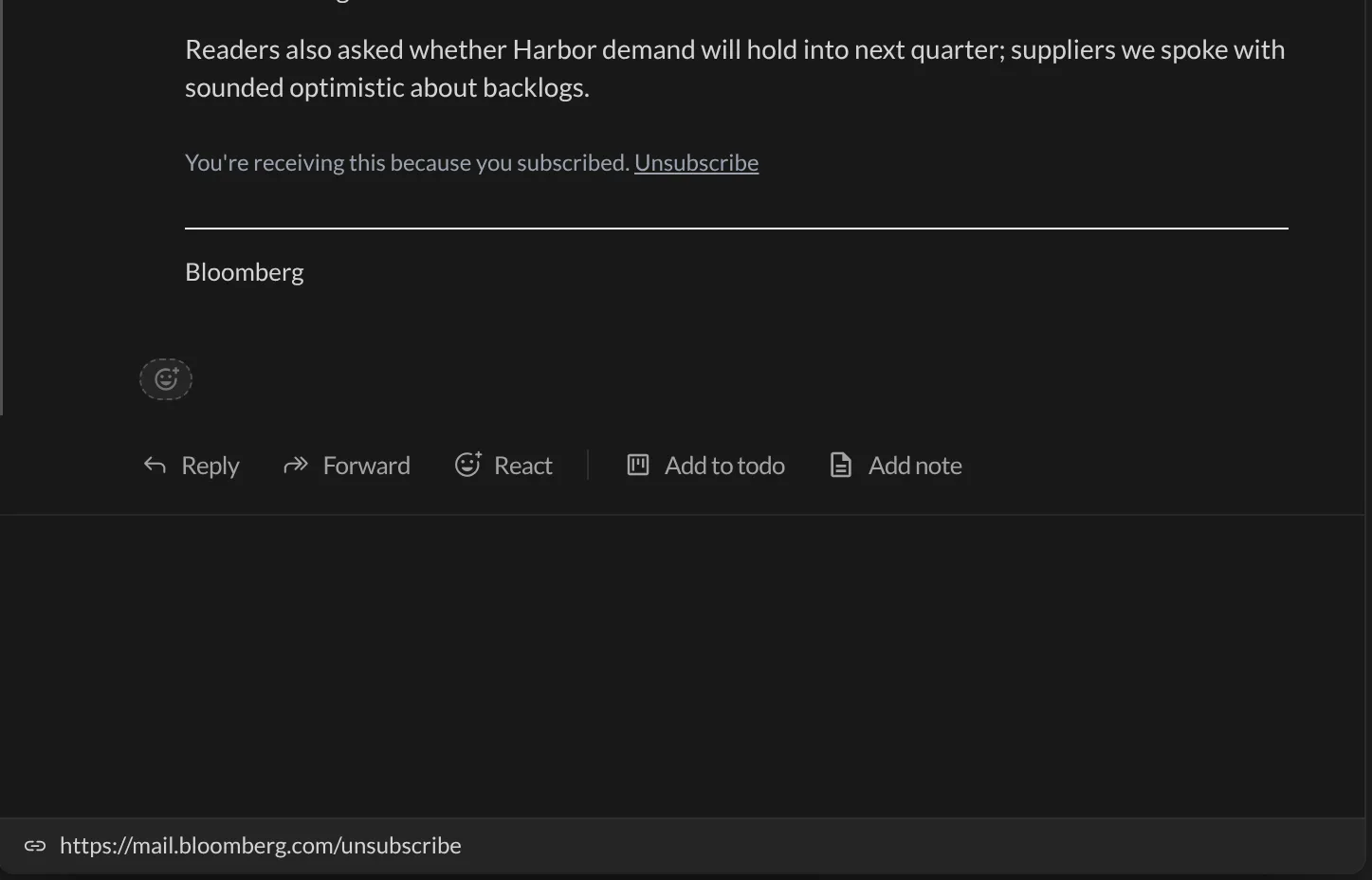
Before you click a link, move your mouse over it. The full address appears in a bar at the bottom of the email. So you know where you’re going before you go.
If the link’s text looks like one website but the link goes to another, the bar turns red and says Deceptive link, with both addresses side by side. For example: the text says paypal.com, the link goes to paypa1-login.biz. Don’t click that one. 🙅
Senders: spot the impostors
Talanoa always shows the sender’s real email address right next to their name. A name is easy to fake. An address is much harder.
And when something smells fishy, a small warning shield appears next to the sender. Move your mouse over it to read This sender may be spoofed and why. Talanoa warns you when:
- your reply would go to a different company than the one the email comes from,
- the sender’s name contains an email address that isn’t the real one (for example “[email protected]” written in the name, sent from somewhere else).
When you see the shield, take a breath. Don’t send passwords, codes or money. If in doubt, contact the person another way.
And… that’s it! 🎉 You now know Talanoa’s three tricks against sneaky emails.
Good to know
- These checks happen on your computer. Talanoa doesn’t send your emails anywhere to check them. See Where your emails live.
- A warning doesn’t always mean danger. Some honest companies send emails from one address and receive replies on another. It just means: look twice.
- Junk that gets through? See Deal with spam and Block a sender.
Something went wrong?
“Images never show, even from people I know.” Click Trust images from this contact once in one of their emails. Next time, their images show by themselves.
“I trusted a sender by mistake.” There’s no button to undo that yet. Write to us and we’ll help.
“Should I worry about every warning?” No. Use it as a nudge to check, not as an alarm. When the email asks for money, passwords or codes, that’s when to be extra careful.
Still stuck? Write to us at [email protected]. A real human will answer.
